Registration page
The registration page is where new customers create an account. A short reason to sign up, such as member-only discounts or faster checkout, makes it more likely they will.
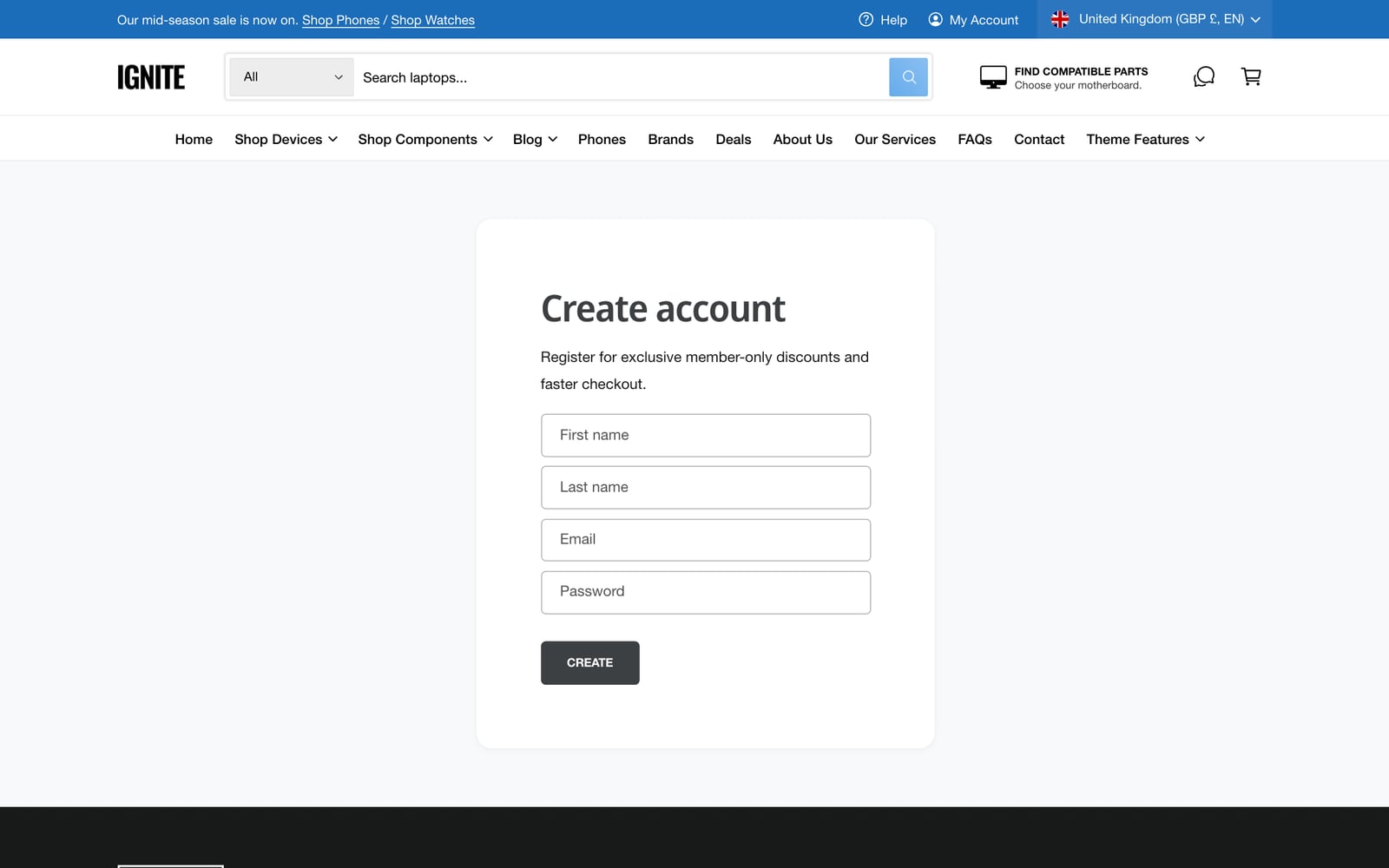
Edit the registration page
- In the theme editor, use the menu at the top to open the customer registration page.
- Click the Registration section.
- Optionally, choose an Image to show beside the form.
- Edit the heading and text to say why an account is worth having.
- Click Save.
Layout
The Registration section has the same layout settings as the Login page:
- Image width and placement on desktop, Show over image, and Image overlay opacity.
- Minimum height on desktop and mobile, and Full width.
- Color schemes for the section, the form and the text over the image.
Common questions
How do I add an image to the Shopify registration page in Ignite?
Open the registration page in the theme editor, click the Registration section, and choose an Image.
Why can’t I find the registration page in the theme editor?
With new customer accounts, Shopify hosts the sign-up page itself, so the theme’s registration template isn’t used.