Horizon vs Ignite: which Shopify theme suits your store?
Horizon is free, polished and built on theme blocks. Ignite costs $380 once and builds in the tools Horizon leaves to apps. Here’s how they compare, area by area.
 6 min read
Quick answer
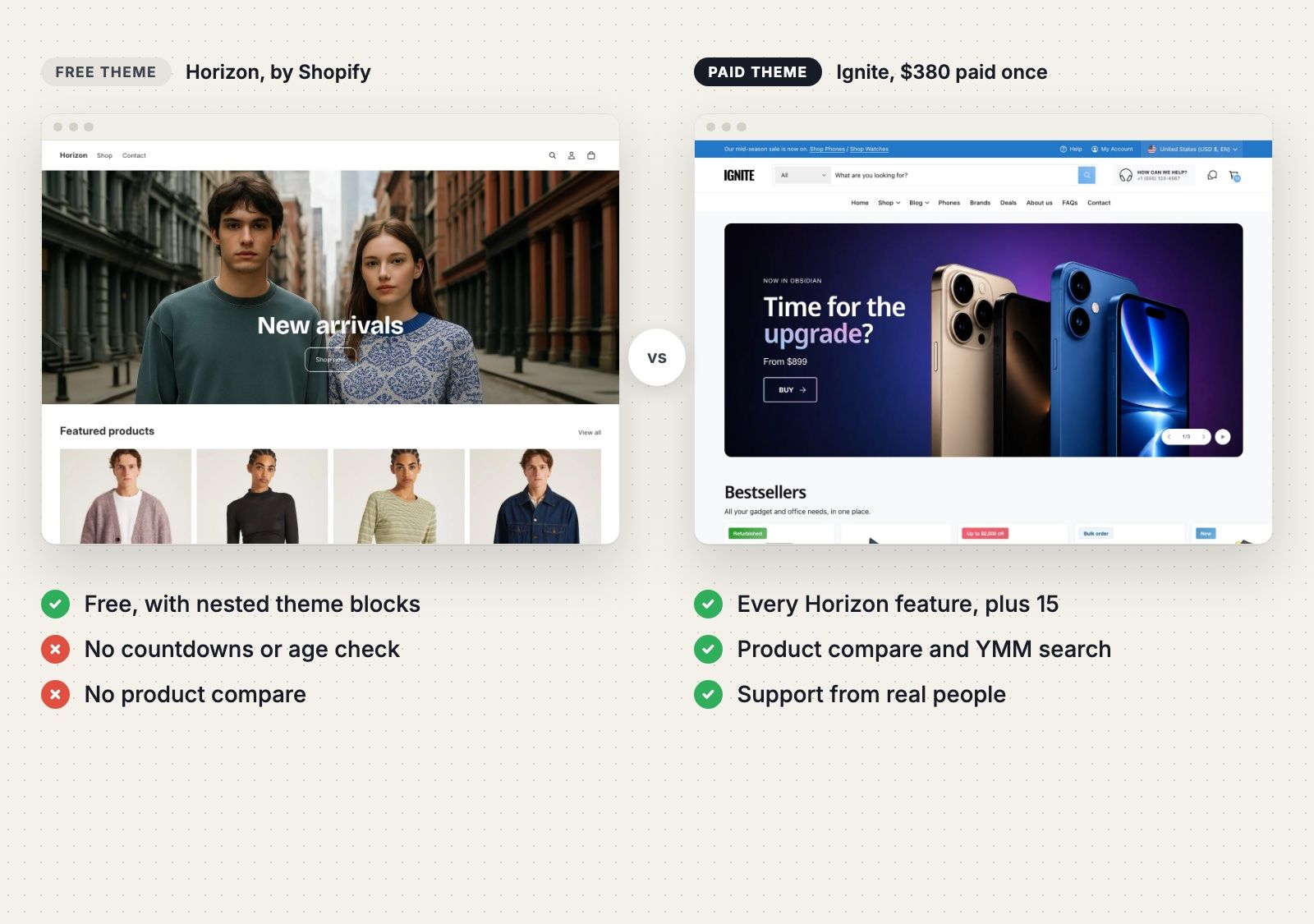
Horizon is Shopify’s free flagship theme: polished, quick to launch and built on nested theme blocks. Ignite is a paid theme, $380 once, whose listing includes every feature in Horizon’s plus 15 more, such as countdown timers, an age check, trust badges and breadcrumbs. It also has product compare and year, make and model search. Pick Horizon for a new, simple store and a budget of zero. Pick Ignite when your products need explaining, when you’re paying for apps to fill Horizon’s gaps, or when you want a theme designer to email.
Disclosure: we make Ignite, so read this with that in mind. Everything we say about Horizon comes from its Theme Store listing and its code, checked on November 18, 2026. Horizon is a well-made theme, and we’ve tried to give it the credit it’s due, including the places it beats ours.
Horizon and Ignite at a glance
| Horizon | Ignite | |
|---|---|---|
| Price | Free | $380, paid once |
| Made by | Shopify | Benchmark Themes |
| Features in its listing | 42 | 57, including all 42 of Horizon’s |
| Theme Store reviews | 36% positive, from 214 | 100% positive, from 113 |
| Building pages | Nested theme blocks in every section | Sections set up for each job, plus nested blocks in Flexible columns |
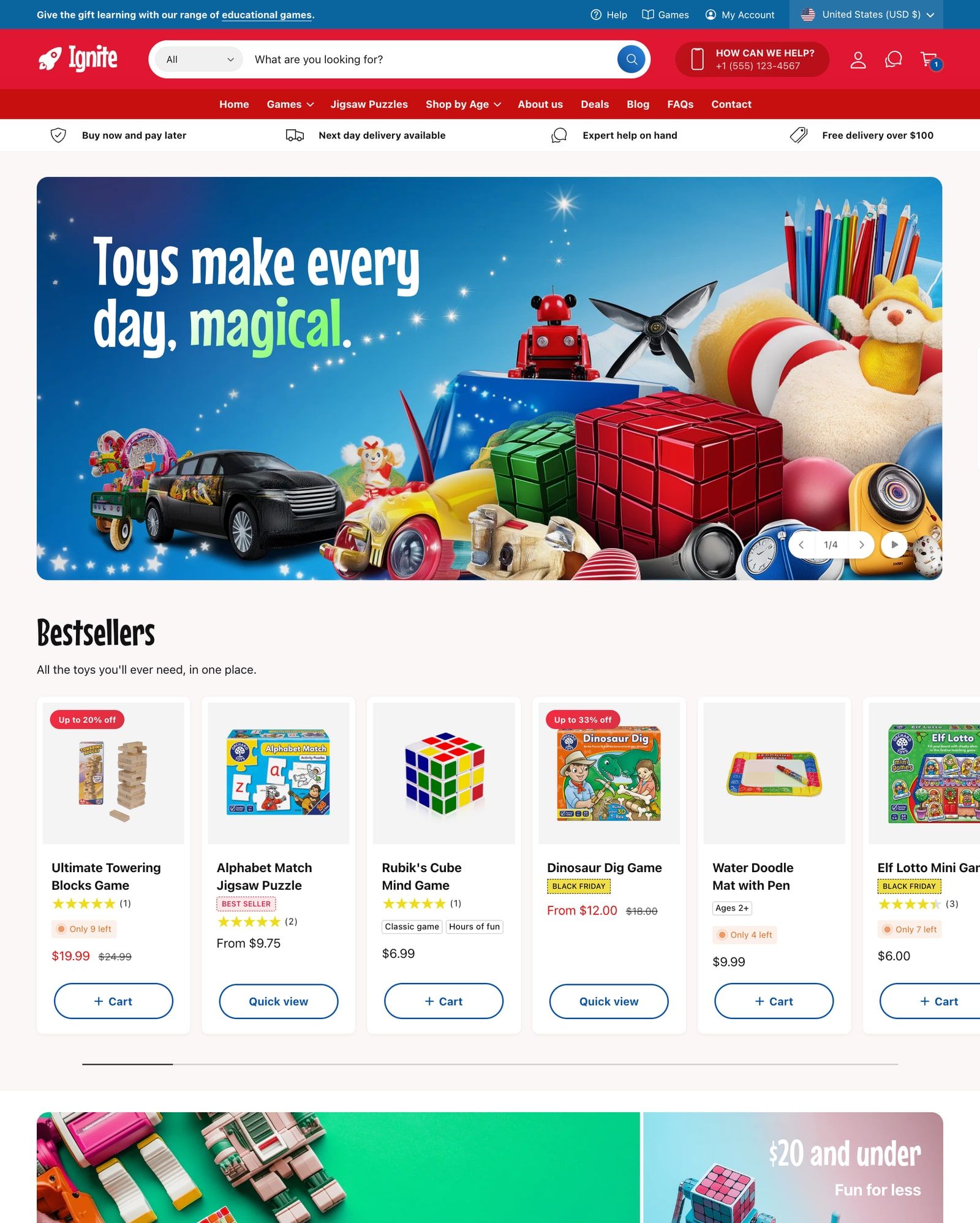
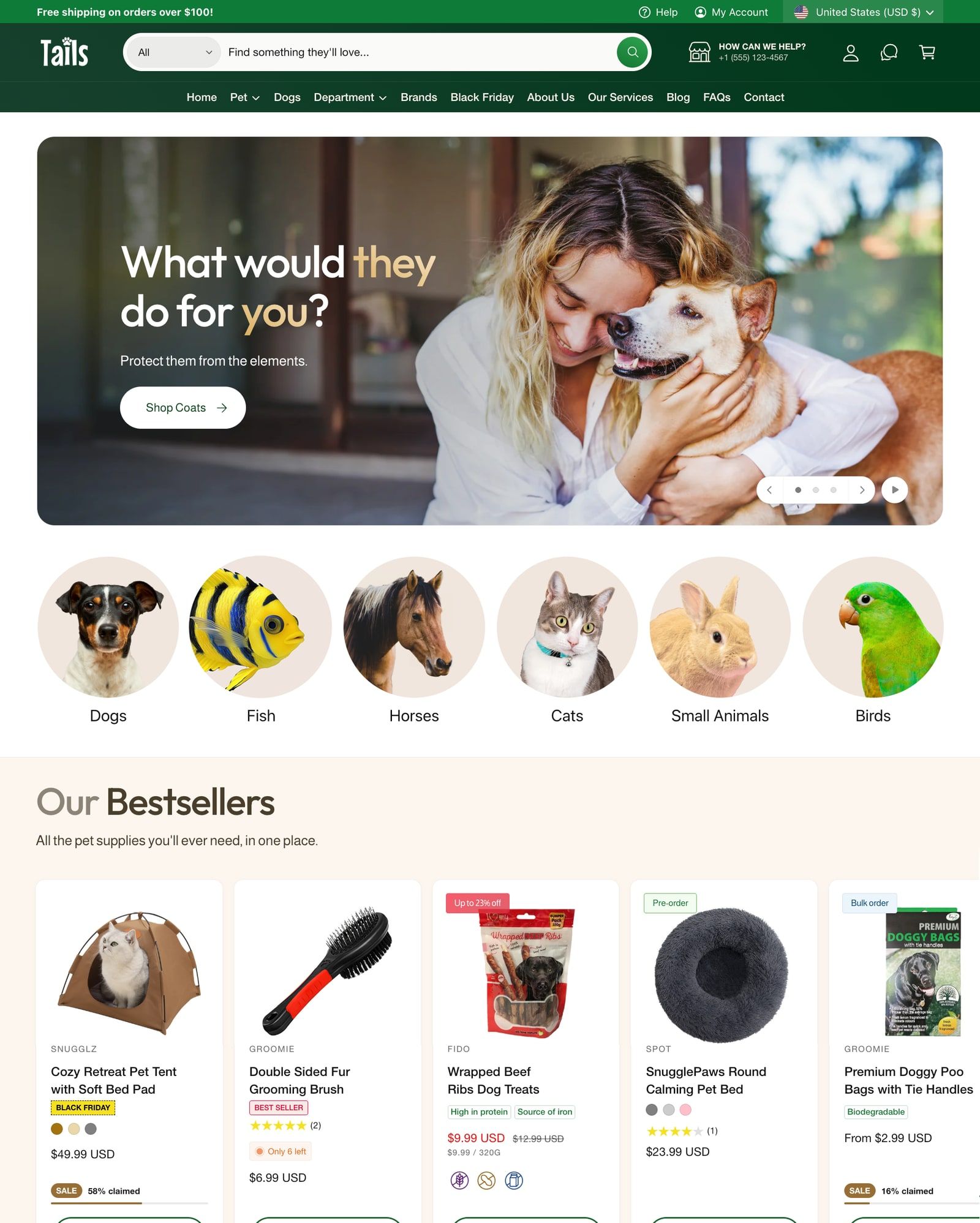
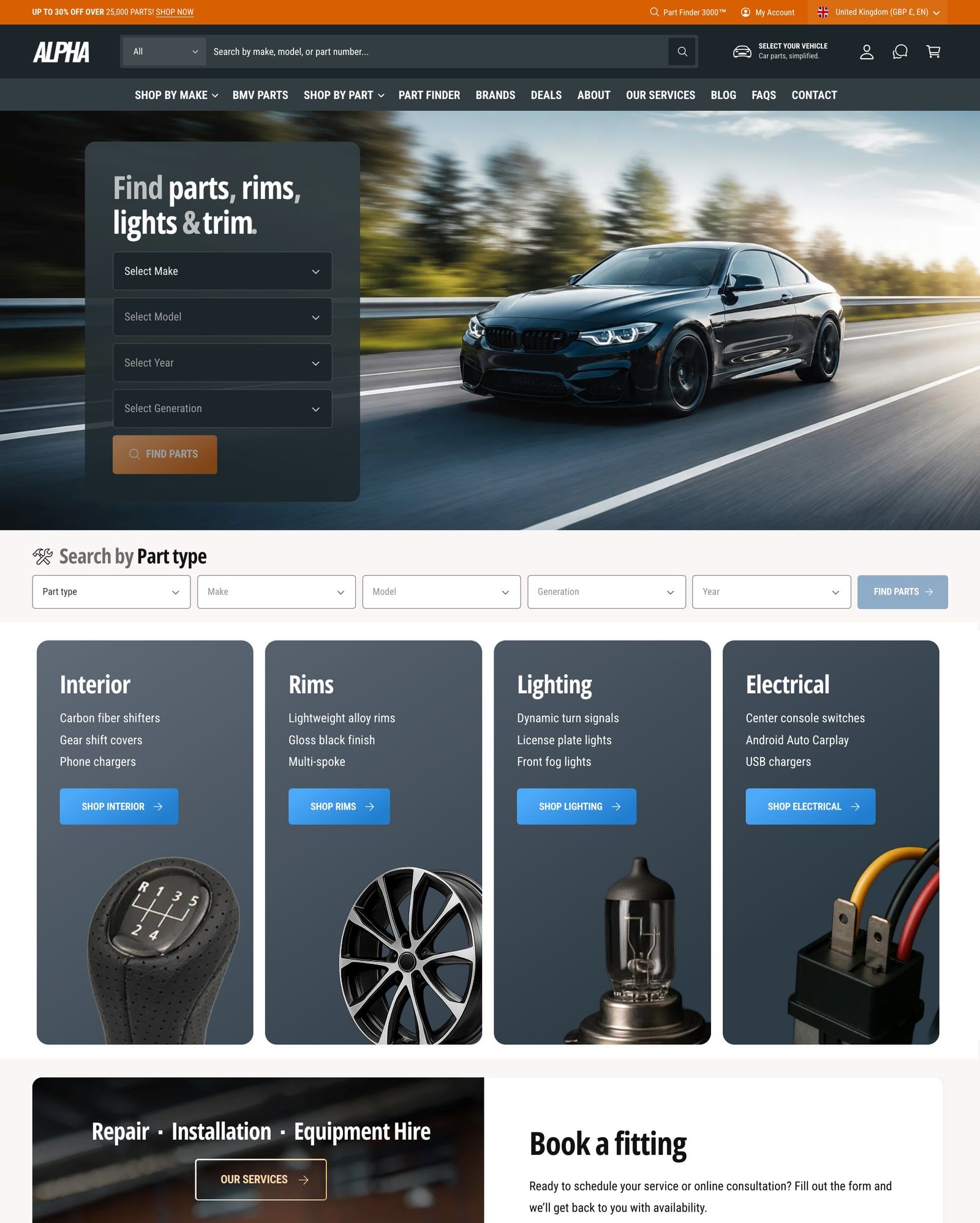
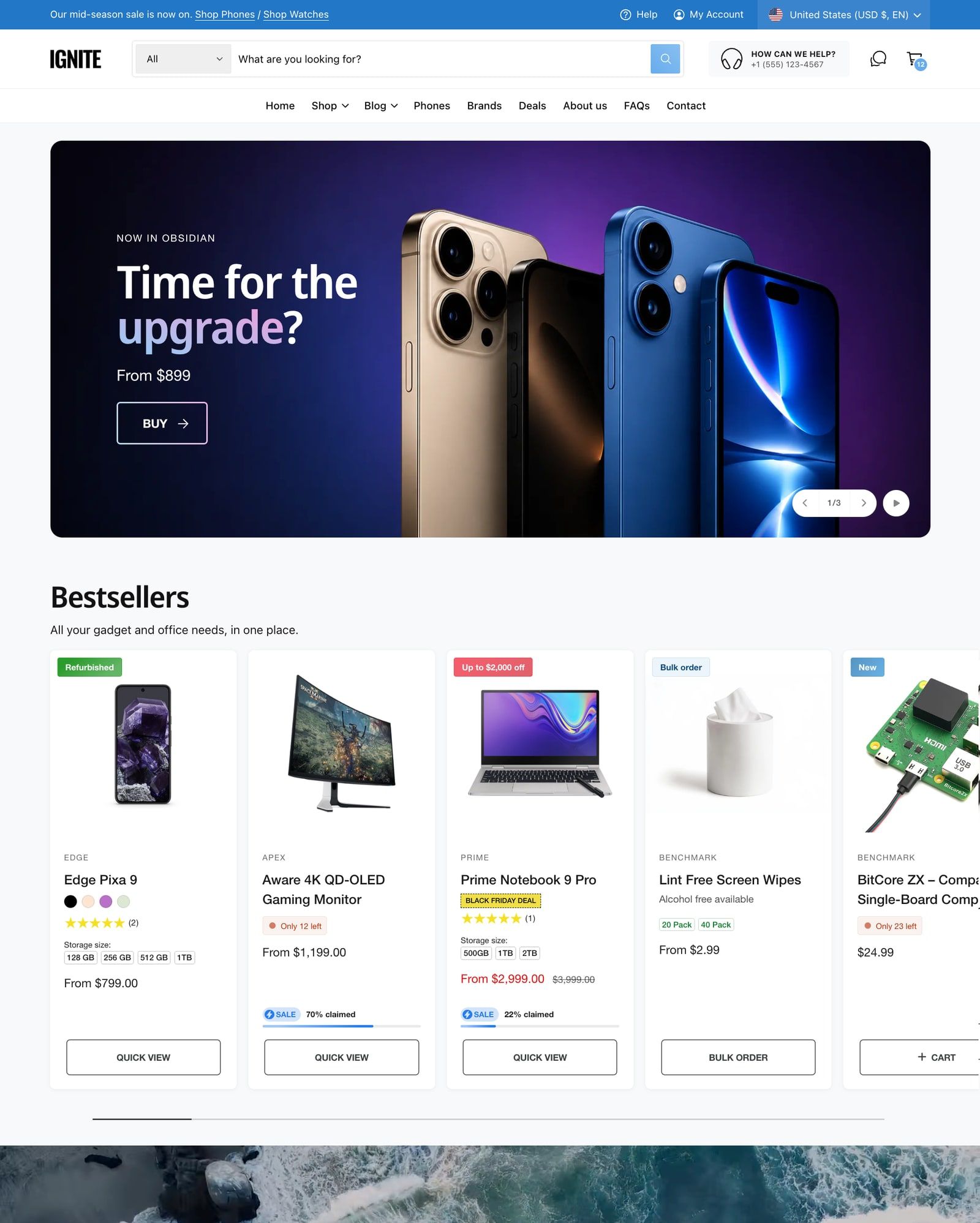
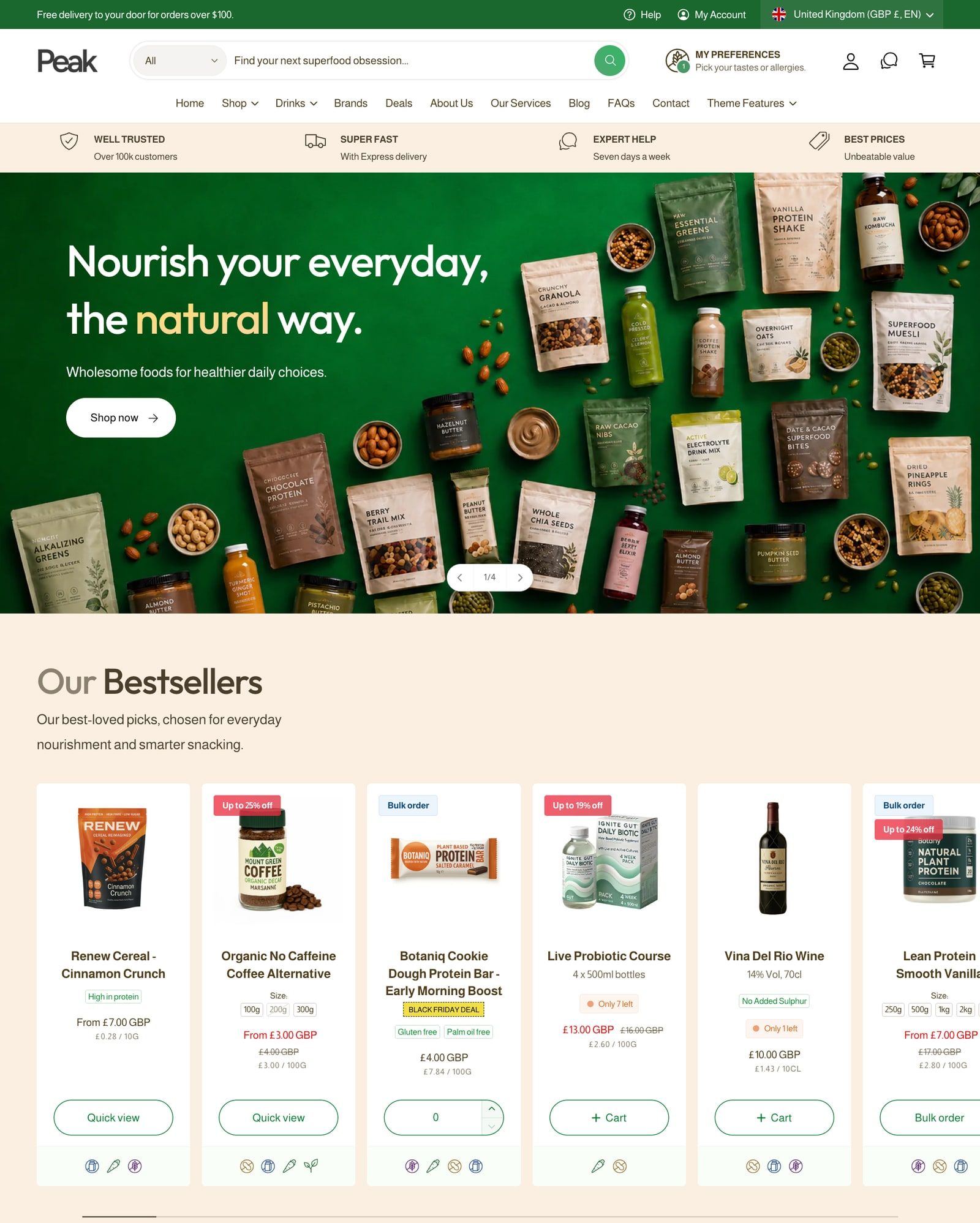
| Presets | One look, a clothing store | Five, for electronics, car parts, wellness, toys and pets |
| Support | Shopify Support | Email, from real people in the UK |
| Opens in Shopify Canvas | Yes | Not yet |
The short version: Horizon gives you a clean start for nothing. Ignite gives you more to sell with, and somebody to ask.
Building pages
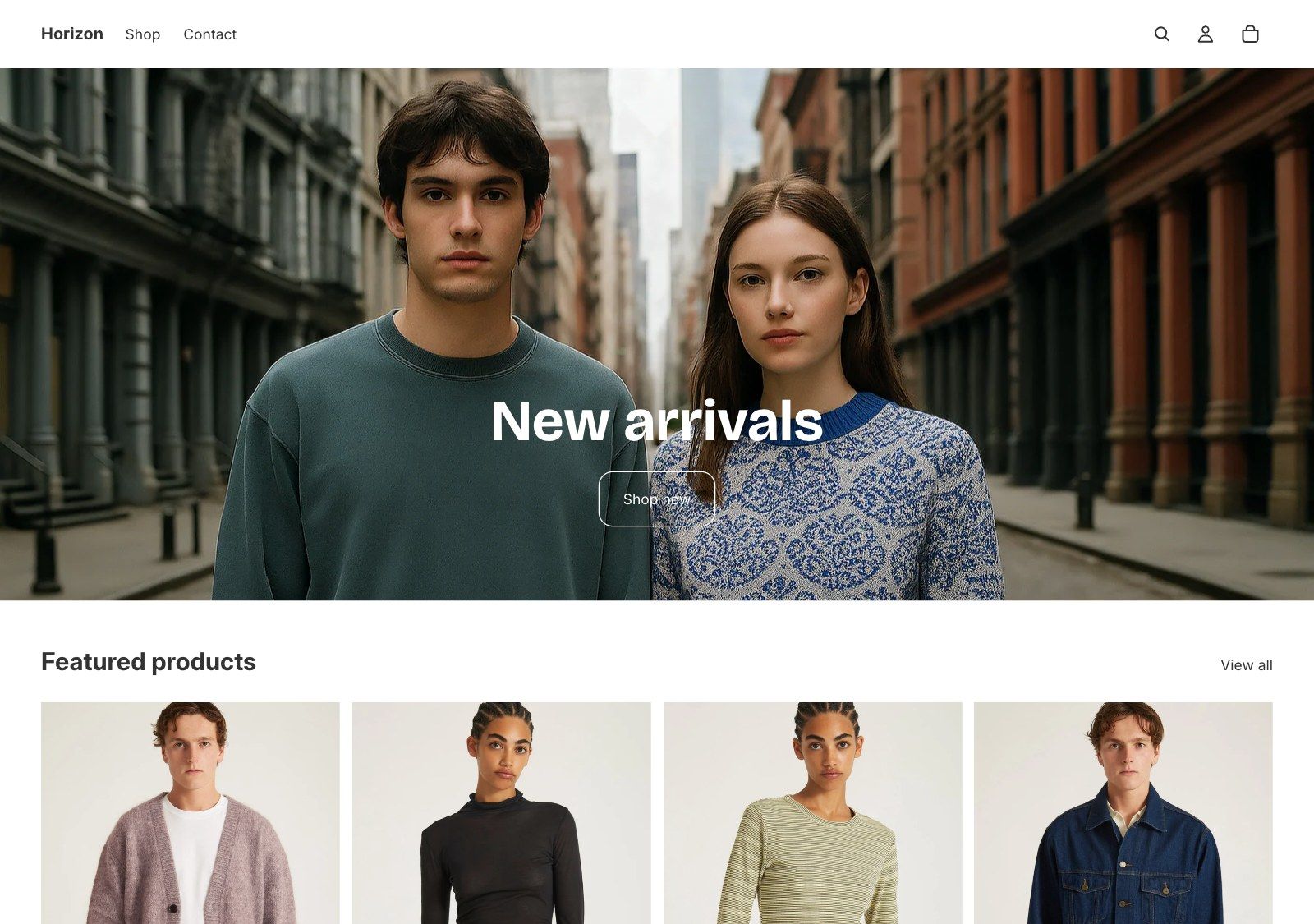
This is where Horizon is strongest. Every section is built from theme blocks, small pieces such as a heading, an image or a button, which you can nest inside each other. Want a button under a heading inside a column inside a slide? You can build it without code. If you like designing layouts from scratch, Horizon is a joy.
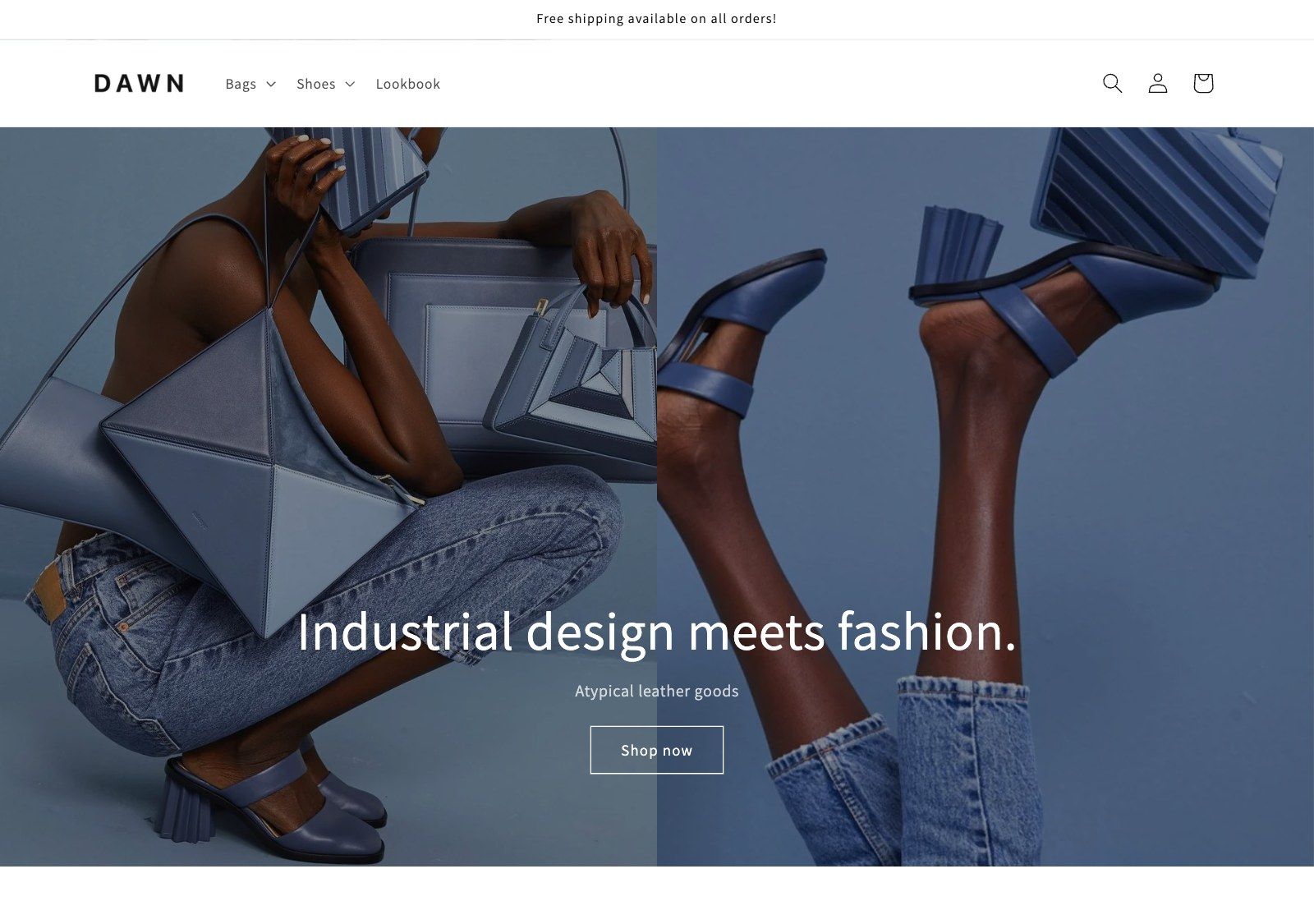
Ignite works more like Dawn, the theme it started from. Most sections are set up for one job, such as a slideshow, a product list or a FAQ, with the settings that job needs already in place. That’s quicker when you know what you want, and harder to get wrong. Where you do want freedom, Flexible columns uses nested blocks the way Horizon does: columns of any width, each holding its own headings, text, buttons, images, stats or countdowns.
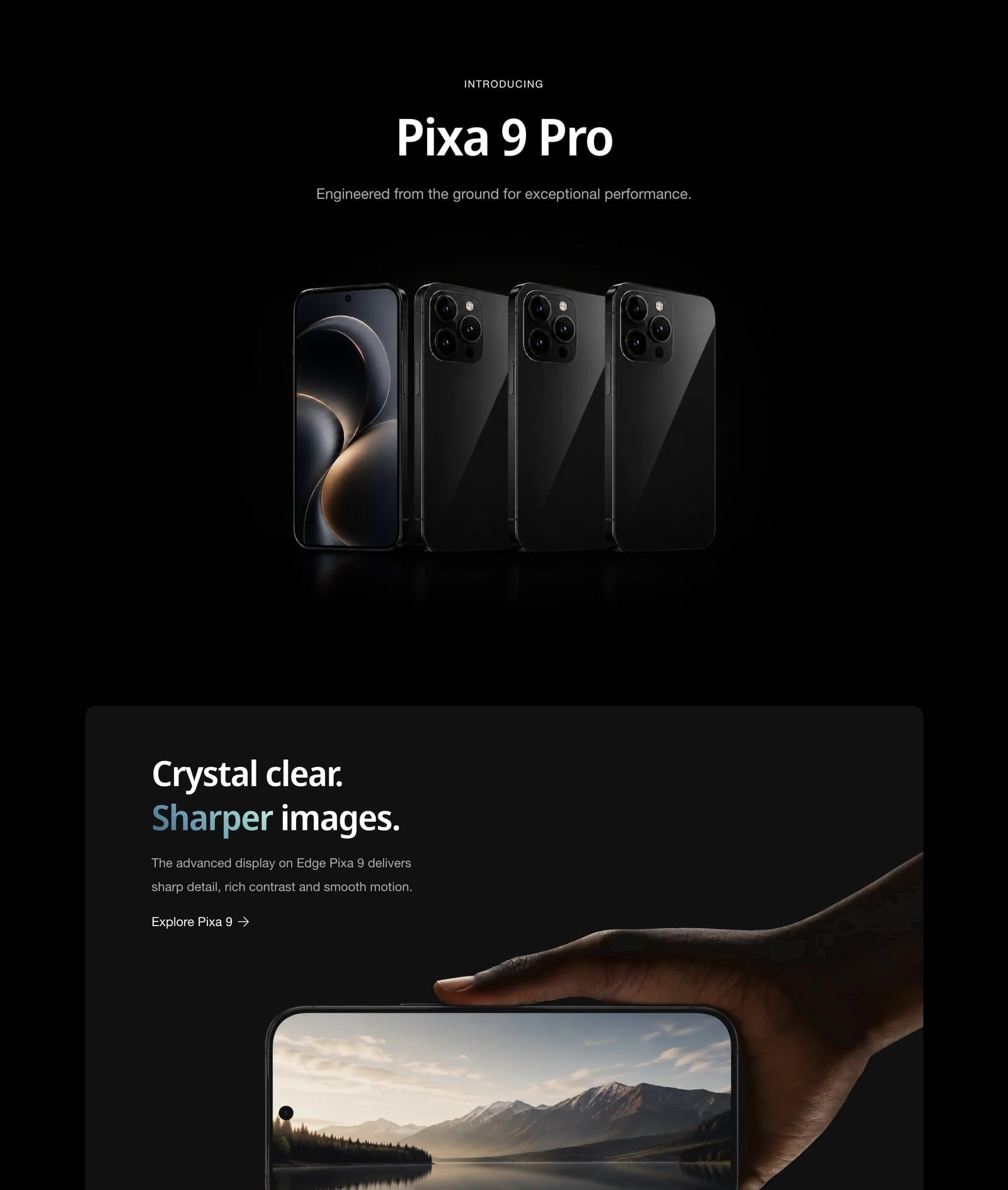
So the question is how you like to work. Horizon hands you the pieces. Ignite hands you sections that are mostly assembled, plus one section full of pieces.
Product pages
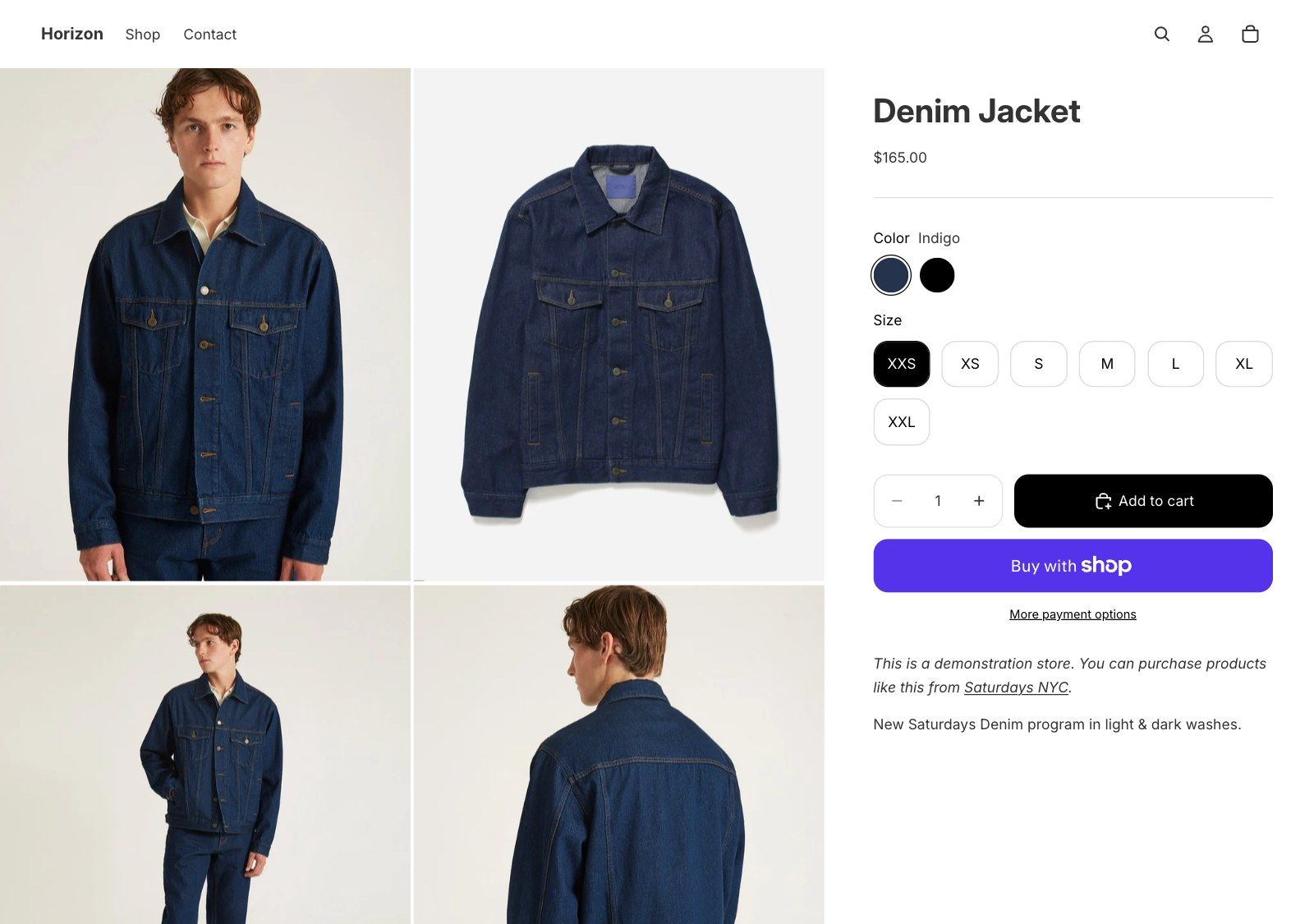
Horizon’s product page is clean and image-led, as you’d expect from a theme whose demo is a clothing store. Its code does more than its listing says, with a sticky add to cart bar and a before/after image slider. Its listing also names ingredients or nutritional information, size charts and shipping information.
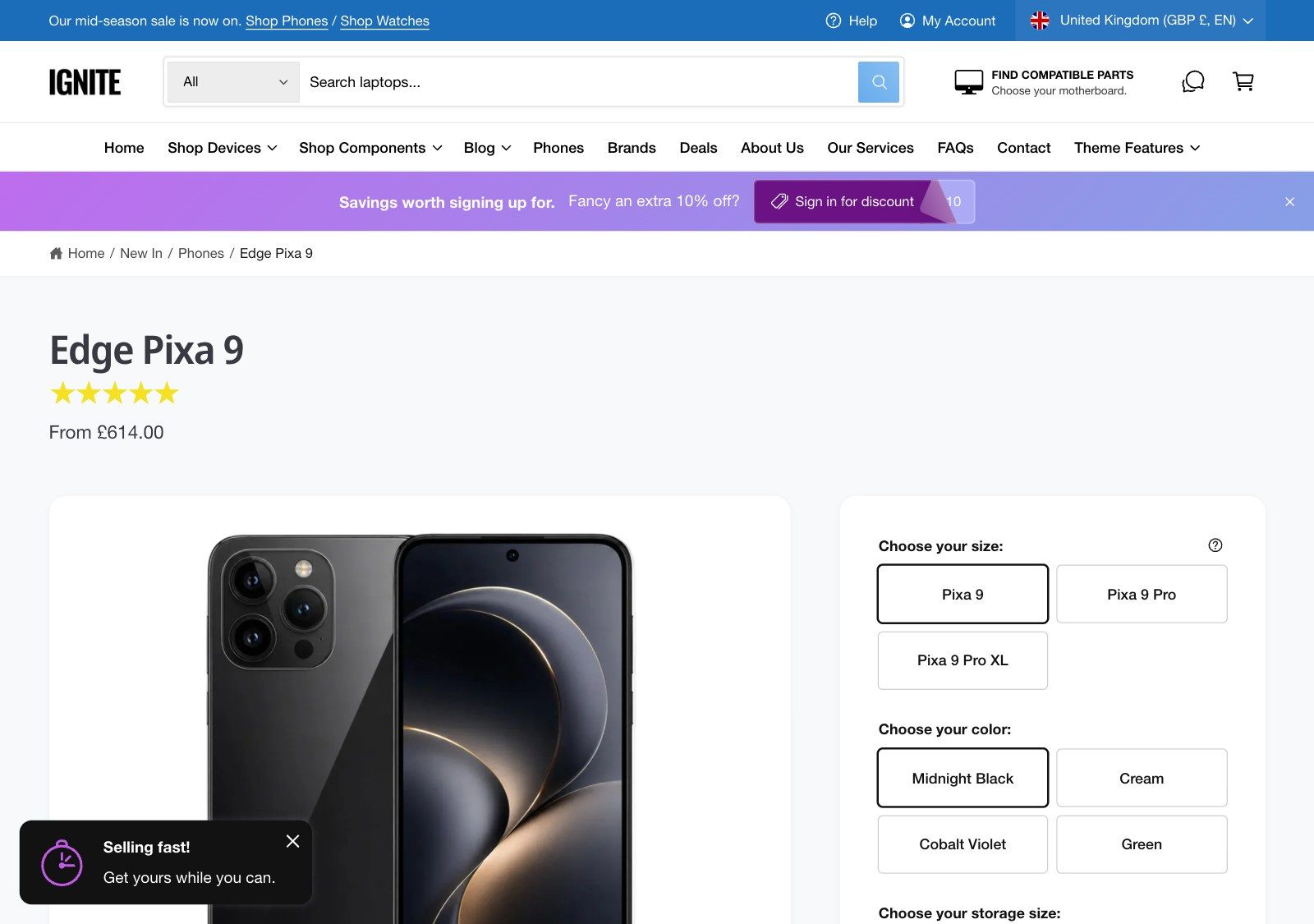
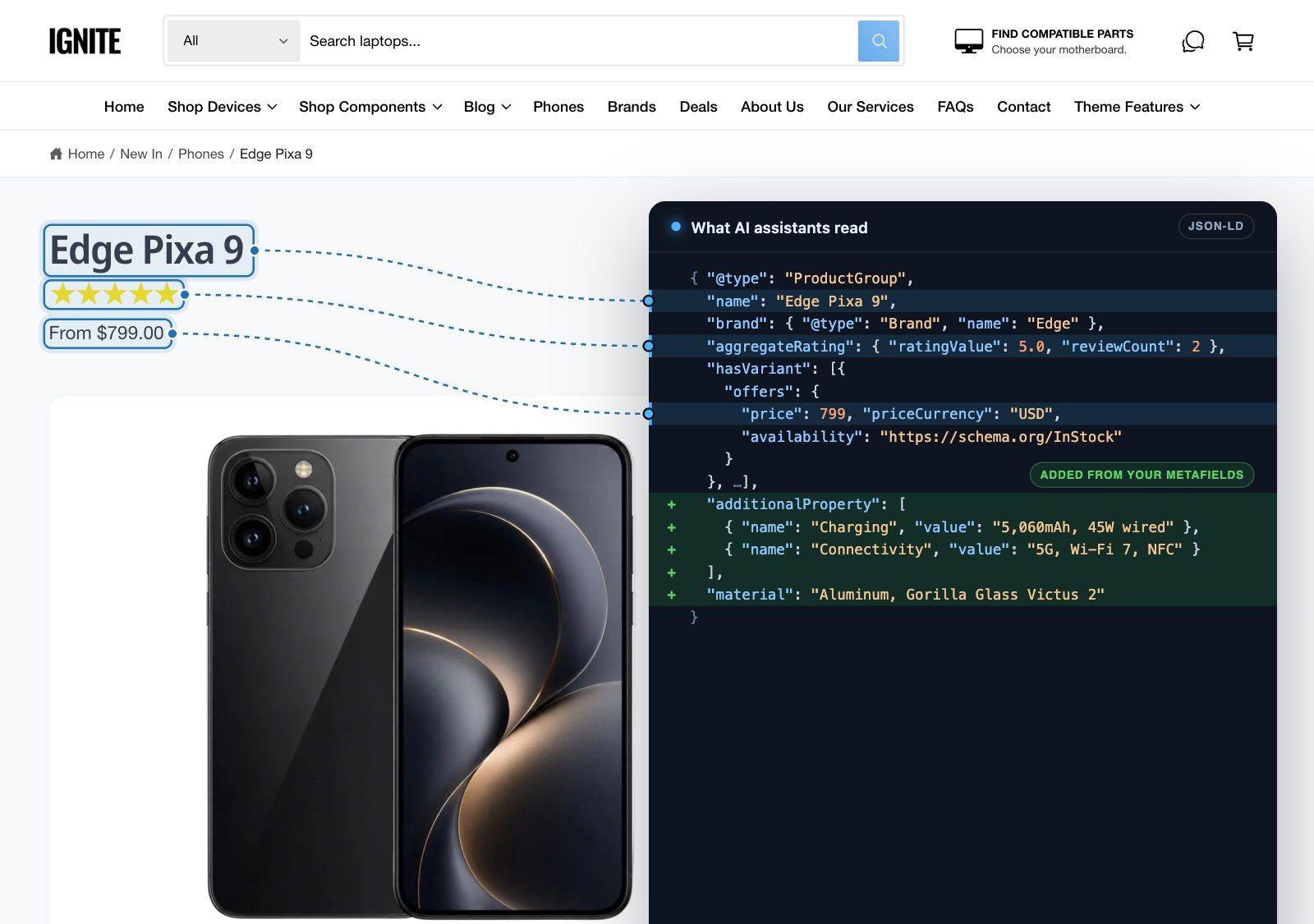
Ignite’s product page is built for products that need explaining. The Table block shows up to 15 rows of specs, fitment or nutrition, and each cell can pull from a product or variant metafield, so the table changes when a shopper picks a different model. Product tabs keep long details tidy. Countdowns, trust badges and stock counters sit right by the buy buttons. And the structured data Ignite writes for search engines and AI assistants can include your specs, product attributes and return policy, from your own metafields.
Horizon has a before/after slider and Ignite doesn’t. If you sell skincare or restoration and lean on before/after photos, that counts for Horizon.
Helping shoppers choose
Both themes have the discovery basics: mega menus, enhanced search, filtering and sorting, swatch filters, infinite scroll and recently viewed.
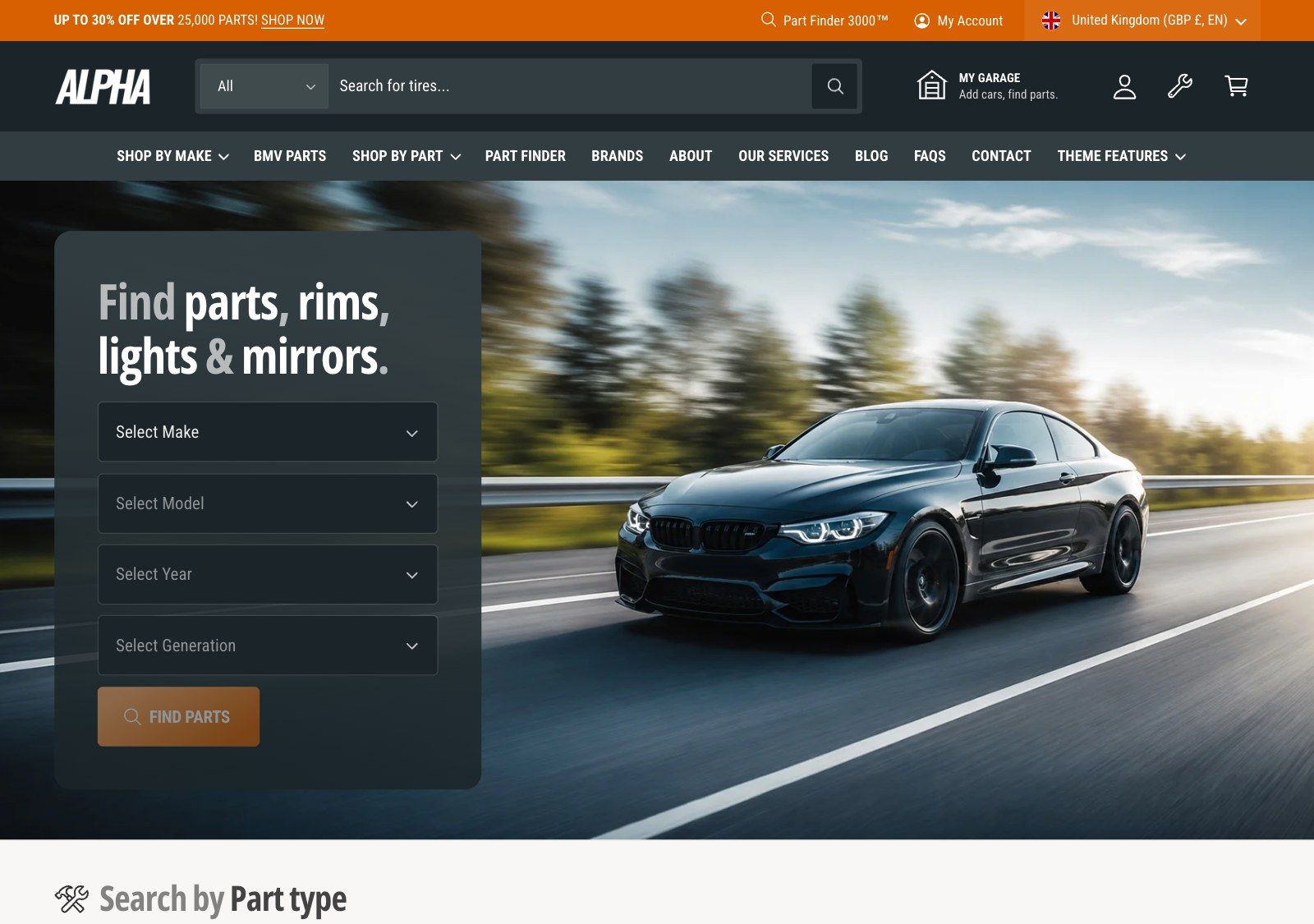
Ignite adds tools for shoppers who are still deciding between products. Product compare puts up to 10 products side by side, with the specs lined up. The Quick filter turns your collection filters into a row of dropdowns, which the Alpha preset uses for year, make and model search. And the Compatibility finder lets customers save their vehicles, devices or dietary preferences, then shows whether each product suits them. Breadcrumbs and a back-to-top button help on big catalogs, too.
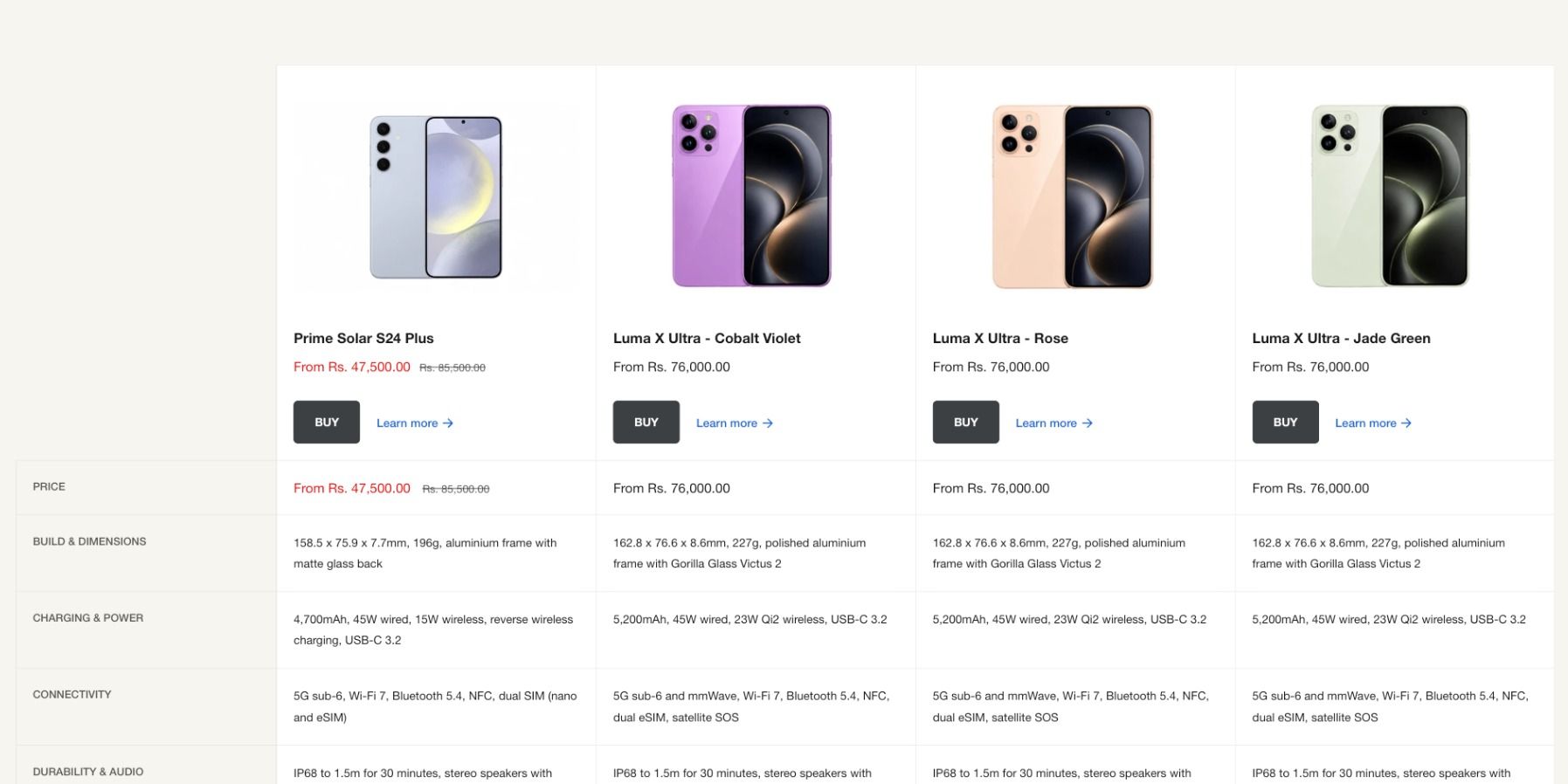
None of these are in Horizon’s listing or its code. On Horizon, each one is an app, and apps like these are often a monthly charge.
What Ignite has that Horizon doesn’t
Horizon’s listing names 42 features, and Ignite’s names 57, including all 42 of Horizon’s. Some of Ignite’s extra 15 turn out to be in Horizon’s code anyway, such as a sticky cart, image hotspots and quick order lists. Here’s what’s left once you check the code:
| Feature | Horizon | Ignite |
|---|---|---|
| Countdown timer | Not included | Included |
| Age verifier | Not included | Included |
| Trust badges | Not included | Included |
| Breadcrumbs | Not included | Included |
| Product tabs | Not included | Included |
| Promo popups | Not included | Included |
| Back-to-top button | Not included | Included |
| Product compare | Not included | Included |
| Year, make and model search | Not included | Included |
| Saved vehicles or preferences | Not included | Included |
Horizon leaves these out on purpose. Shopify’s notes for Horizon say functionality defaults to “no”, and that a theme shouldn’t support every feature in Shopify. That keeps it lean. It also means the gaps get filled by apps, one subscription at a time.
Reviews and support
On the Shopify Theme Store, Horizon’s reviews are 36% positive, from 214. Ignite’s are 100% positive, from 113, across its five presets.
That gap needs some context. A free theme from Shopify is many merchants’ first theme, so its reviews come from a much wider mix of stores than a paid theme’s do. Reading the most recent ones, they aren’t about the design. They’re about things merchants wanted to change and found they needed code for, and about custom code after updates.
Which points at the real difference: who you ask when you’re stuck. Horizon’s support link goes to Shopify Support, which covers all of Shopify. Ignite’s support is by email, from the people who build it, so questions about a setting or a section go to someone who knows exactly how it works. We also keep a Help Center with a guide for every section.
Both themes get updates for free.
When Horizon is the better choice
Stay with Horizon, or start with it, if most of these sound like you:
- You’re launching a new store and want to spend nothing on a theme.
- Your products sell on their photos, such as clothing, accessories or homeware, and don’t need specs or fitment.
- You enjoy building layouts block by block.
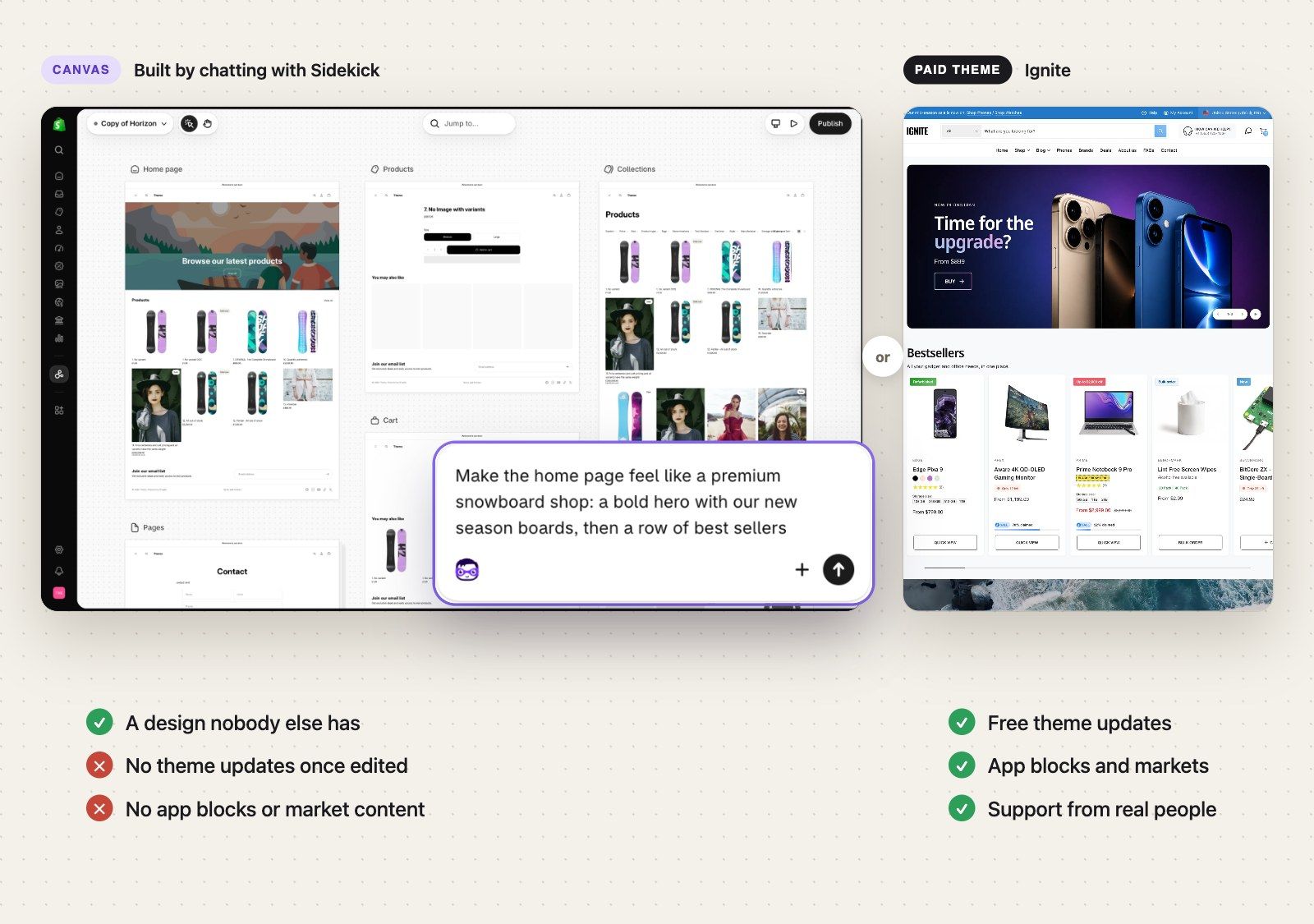
- You want to use Shopify Canvas, which can open Horizon but not paid themes yet. Our guide to Canvas or a paid theme covers what Canvas gives up.
- You don’t need countdowns, an age check or product compare, now or soon.
When Ignite is the better choice
Ignite earns its $380 when:
- Your shoppers compare specs, check fitment or read ingredients before they buy. Ignite has presets set up for electronics, car parts, health and wellness, toys and games and pet supplies.
- You’re paying monthly for apps that add countdowns, an age check, popups or product compare. One payment for a theme that has them built in can replace several of those subscriptions.
- You sell age-restricted products, such as vapes or alcohol, and need an age check before shoppers enter.
- You run drops and sales, and want countdowns and flash sale bars on the page.
- You want to email the people who made your theme when something isn’t right.
Moving from Horizon to Ignite
Switching doesn’t touch your products, collections, metafields, customers or orders. Add Ignite from the Theme Store and it installs unpublished, next to Horizon, so you can set it up and preview it for free while customers carry on shopping. Ignite isn’t built on Horizon, so you’ll set up your pages again in the theme editor. Content in metafields carries straight over.
Our post on the best themes to upgrade to from Horizon walks through the switch step by step, including a snag with templates during trials, and compares Ignite with four other paid themes. Before you publish, run through our launch checklist.
The best test is your own store. Try Horizon and Ignite with your own products, and see which one shows them off.
Questions
Is Ignite better than Horizon?
For stores that sell on specs, fitment or ingredients, or that pay for apps to add countdowns, an age check or product compare, yes. Ignite lists every feature in Horizon’s listing plus 15 more. For a new store with a simple catalog and no budget, Horizon is the better choice, because it’s free.
Is the Horizon theme free?
Yes. Horizon is made by Shopify and is free on the Shopify Theme Store, as are the other themes in Shopify’s Horizon collection. Support for it comes from Shopify Support.
Can I use Shopify Canvas with Ignite?
Not yet. Canvas works with themes made by Shopify, such as Horizon, and with custom themes. Shopify says it plans to support third-party Theme Store themes, but it hasn’t given a date. A theme edited in Canvas also stops getting theme updates.
Can I try Ignite without leaving Horizon?
Yes. Ignite installs unpublished, alongside Horizon, and you can set it up and preview it for free. Customers keep seeing Horizon until you publish Ignite, which is when you pay.
Does Ignite work for clothing stores?
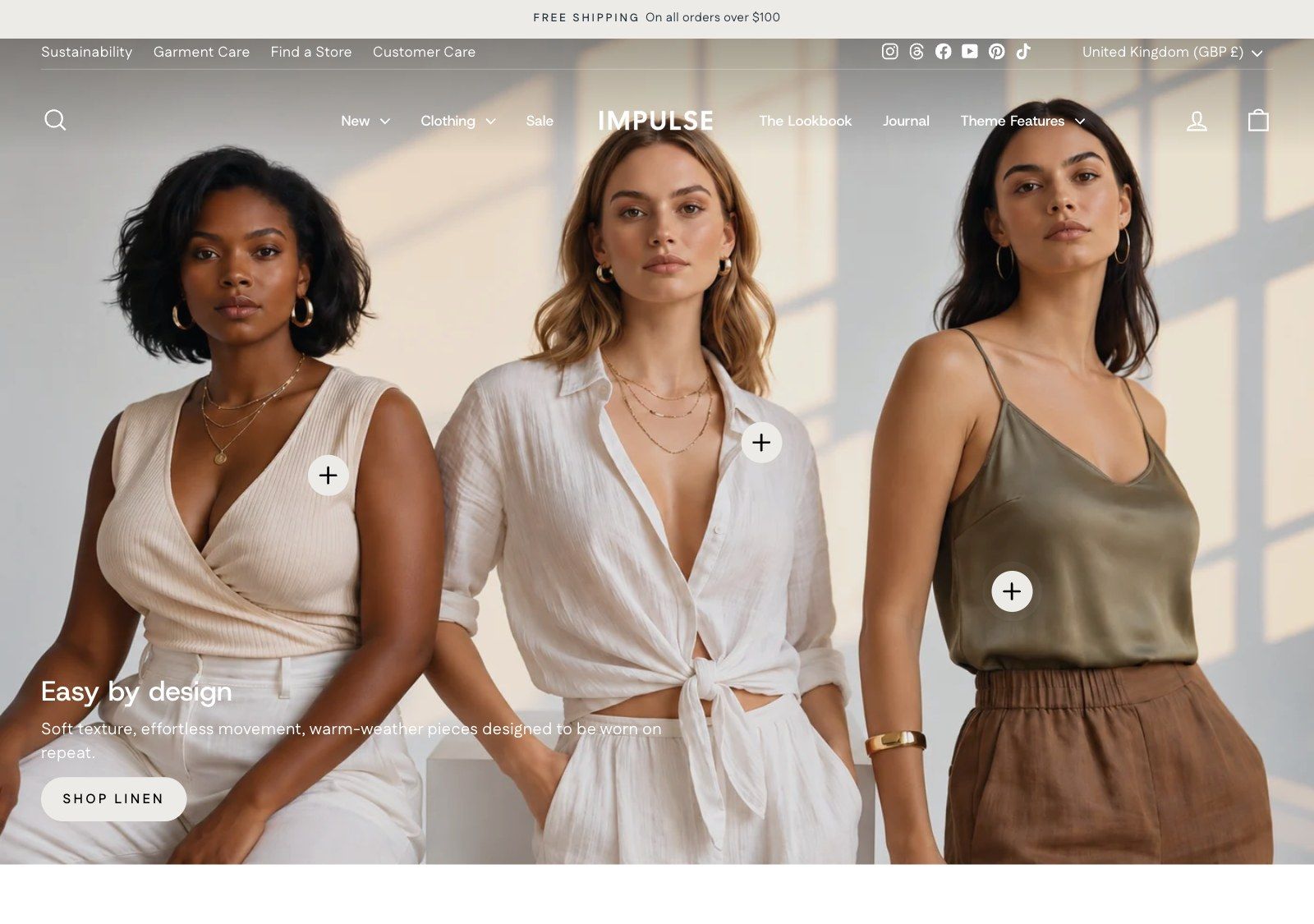
Yes. None of Ignite’s five presets is set up for fashion, but it has color swatches, size charts, lookbooks, image hotspots and quick view, which clothing stores use most.
Why does Horizon have so many negative reviews?
We can only go by what reviewers write. Recent ones are mostly about changes that needed code, such as how prices or sale prices show, and about custom code after updates. A free theme is also many merchants’ first theme, so its reviews come from a wider mix of stores.
This page contains affiliate links to the Shopify Theme Store. If you buy a theme through one, we may earn a commission, whichever theme you choose.