The 5 best Shopify themes to upgrade to from Horizon
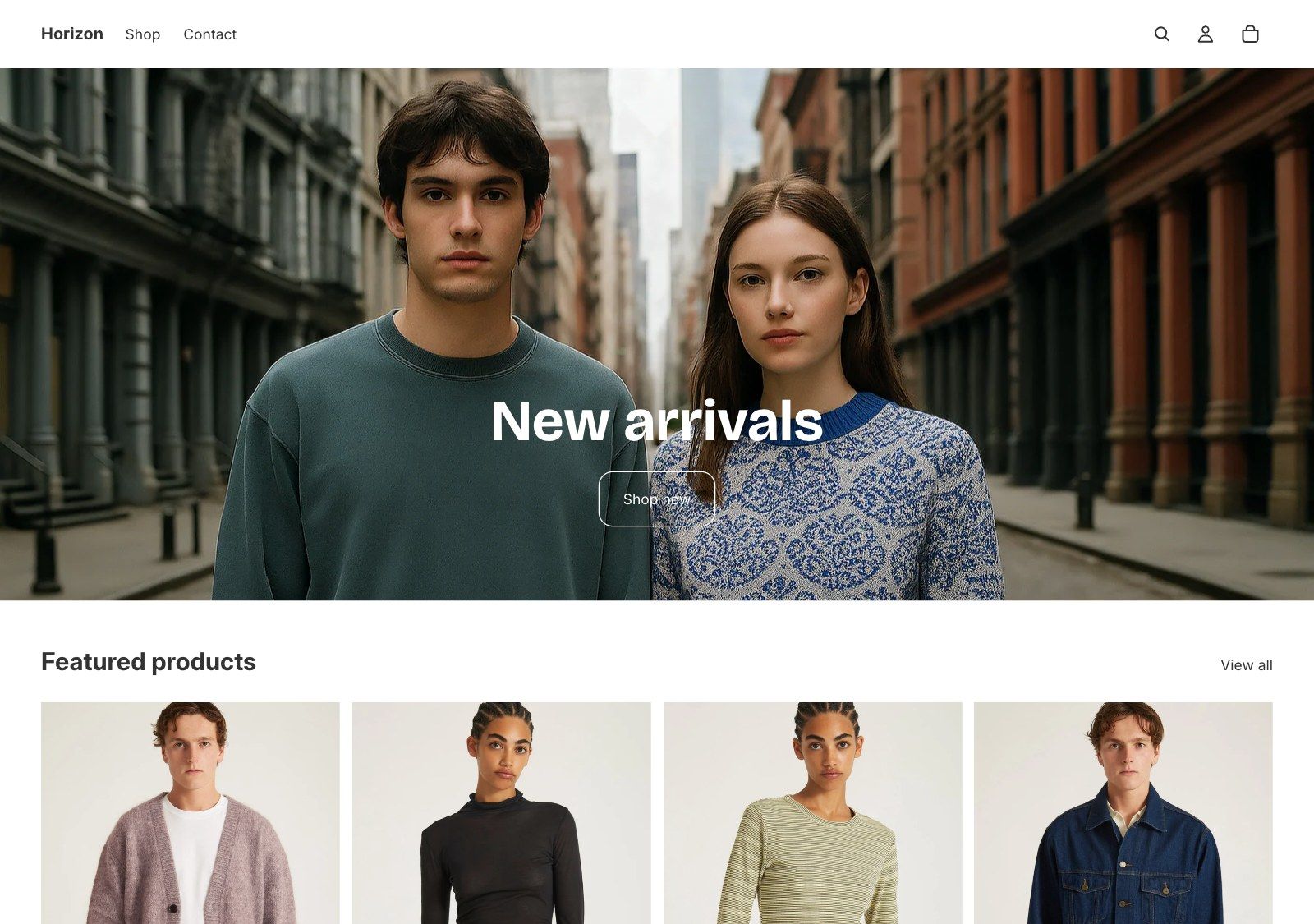
Horizon is the flagship of Shopify’s new generation of free themes, and it’s lean on purpose. If your store needs more than a clean start, these five themes are worth moving to.
Quick answer
The best theme to upgrade to from Horizon, for most stores, is Ignite. Its Theme Store listing has every feature in Horizon’s plus 15 more, including countdown timers, an age check, trust badges and breadcrumbs, and it adds product compare and nested blocks. It costs $380, paid once. Also worth a look: Pipeline for building with nested blocks, Hyper for wholesale and B2B, Release for video-led brands and Stiletto for style-led brands.
Disclosure: we make Ignite, so of course it’s first. Everything we say about Horizon and the other four comes from their own Theme Store listings, and for Horizon, from its code too. Horizon is a well-made theme, and plenty of stores are happy on it. This is for the ones that want more.
Horizon at a glance
Horizon is the flagship of Shopify’s Horizon collection: ten free themes from Shopify, all built around nested theme blocks. Its listing promises a polished design and a clean setup, so you can launch fast, and nested theme blocks for flexible layouts.
Its listing is strong on the basics: pre-orders, back-in-stock alerts, quick view, recently viewed and infinite scroll. Its code does a little more than its listing says, too, with a sticky add to cart bar and a before/after slider.
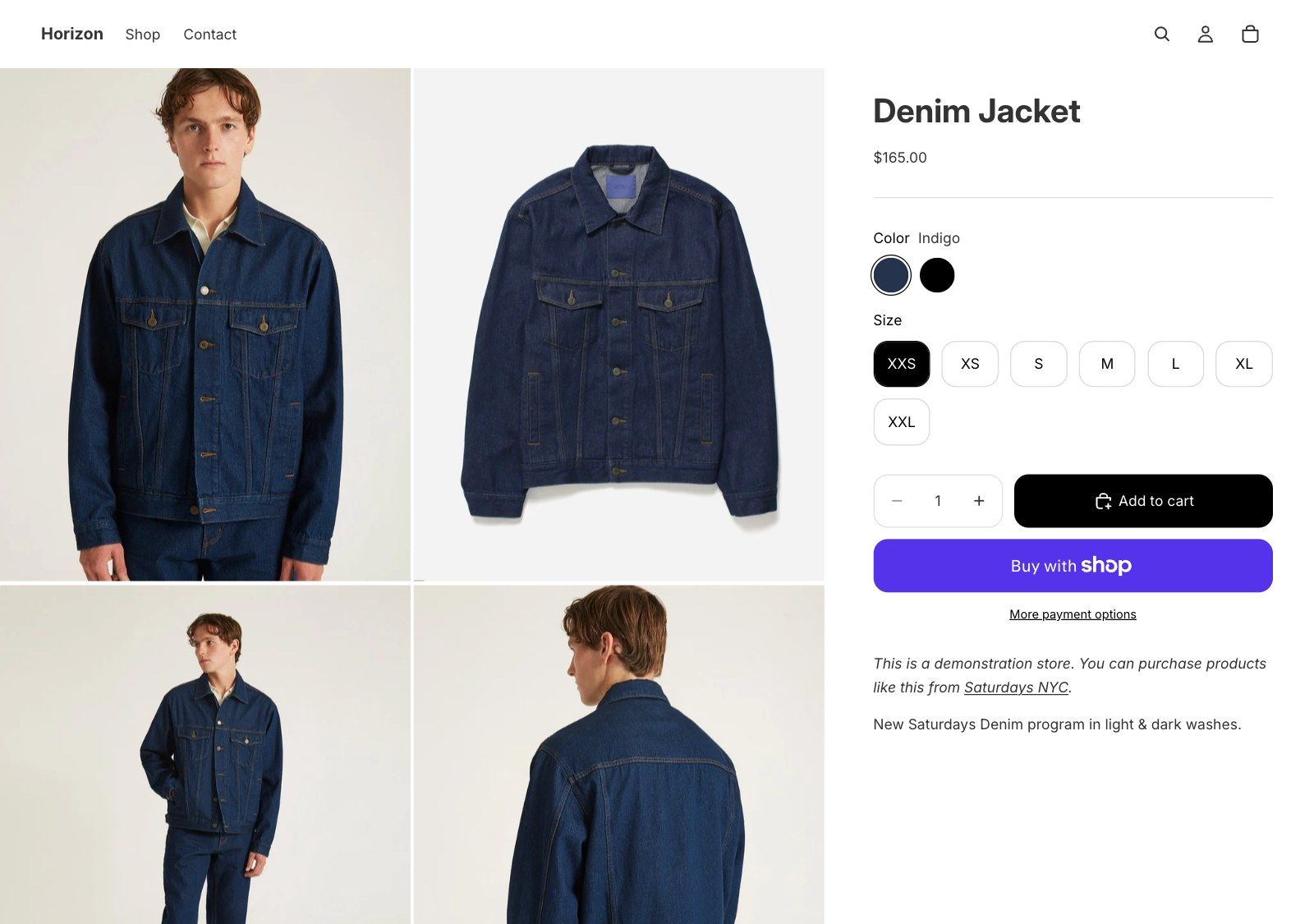
So why look elsewhere? Usually for one of three reasons:
- It’s lean on purpose. Shopify’s own notes for Horizon say functionality defaults to “no”, and that themes “shouldn’t support each and every feature in Shopify.” Countdown timers, an age check, trust badges and breadcrumbs aren’t in its listing or its code.
- Fit. Horizon’s demo is a clothing store, and its listing is about minimal, launch-ready design. A store that sells on specs, fitment or ingredients needs more room to explain.
- Support. Horizon’s support link goes to Shopify Support. There’s no theme designer to email when you want to know how a block works.
What you gain, side by side
| Feature | Horizon | Ignite | Pipeline | Hyper | Release | Stiletto |
|---|---|---|---|---|---|---|
| Pre-order | Listed | Listed | Listed | Not listed | Listed | Listed |
| Back-in-stock alert | Listed | Listed | Not listed | Not listed | Listed | Not listed |
| Recently viewed | Listed | Listed | Listed | Listed | Listed | Listed |
| Infinite scroll | Listed | Listed | Not listed | Listed | Listed | Listed |
| Countdown timer | Not listed | Listed | Listed | Listed | Listed | Listed |
| Age verifier | Not listed | Listed | Not listed | Not listed | Listed | Listed |
| Trust badges | Not listed | Listed | Listed | Listed | Listed | Listed |
| Breadcrumbs | Not listed | Listed | Listed | Listed | Listed | Listed |
Horizon’s listing names 42 features. Ignite’s names 57, including all 42 of Horizon’s, so nothing you rely on goes missing. And feature lists don’t tell the whole story. Ignite also has side-by-side product compare and year, make and model search, which aren’t categories on the Theme Store at all.
What about theme blocks?
Horizon is built around theme blocks: small pieces, such as a heading, an image or a button, that you can nest inside each other to build a layout. If you like working that way, you don’t have to give it up.
In Ignite, Flexible columns works the same way. Add columns of any width, fill each with its own blocks, and use a row to place blocks side by side inside a column. Ignite’s other sections use blocks set up for the job they do, with the settings that job needs.
One thing to know before you shop: Shopify doesn’t allow themes based on Horizon on the Theme Store. Every paid theme is built differently, so you’ll set up your pages again whichever one you choose.
The five themes at a glance
| # | Theme | Best for | Price | Rating |
|---|---|---|---|---|
| 1 | Igniteby Benchmark Themes | Stores that need more than a clean start | $380 | 100% (113 reviews) |
| 2 | Pipelineby Groupthought | Brands that like building with nested blocks | $360 | 97% (209 reviews) |
| 3 | Hyperby FoxEcom | Wholesale and B2B stores | $400 | 99% (528 reviews) |
| 4 | Releaseby DigiFist | Bold brands that sell with video | $420 | 95% (118 reviews) |
| 5 | Stilettoby Fluorescent Design Inc. | Style-led brands with big plans | $380 | 92% (156 reviews) |
1. Ignite
- Best for
- Stores that need more than a clean start
- Price
- $380, paid once
- Rating
- 100% positive, 113 reviews
- Designer
- Benchmark Themes
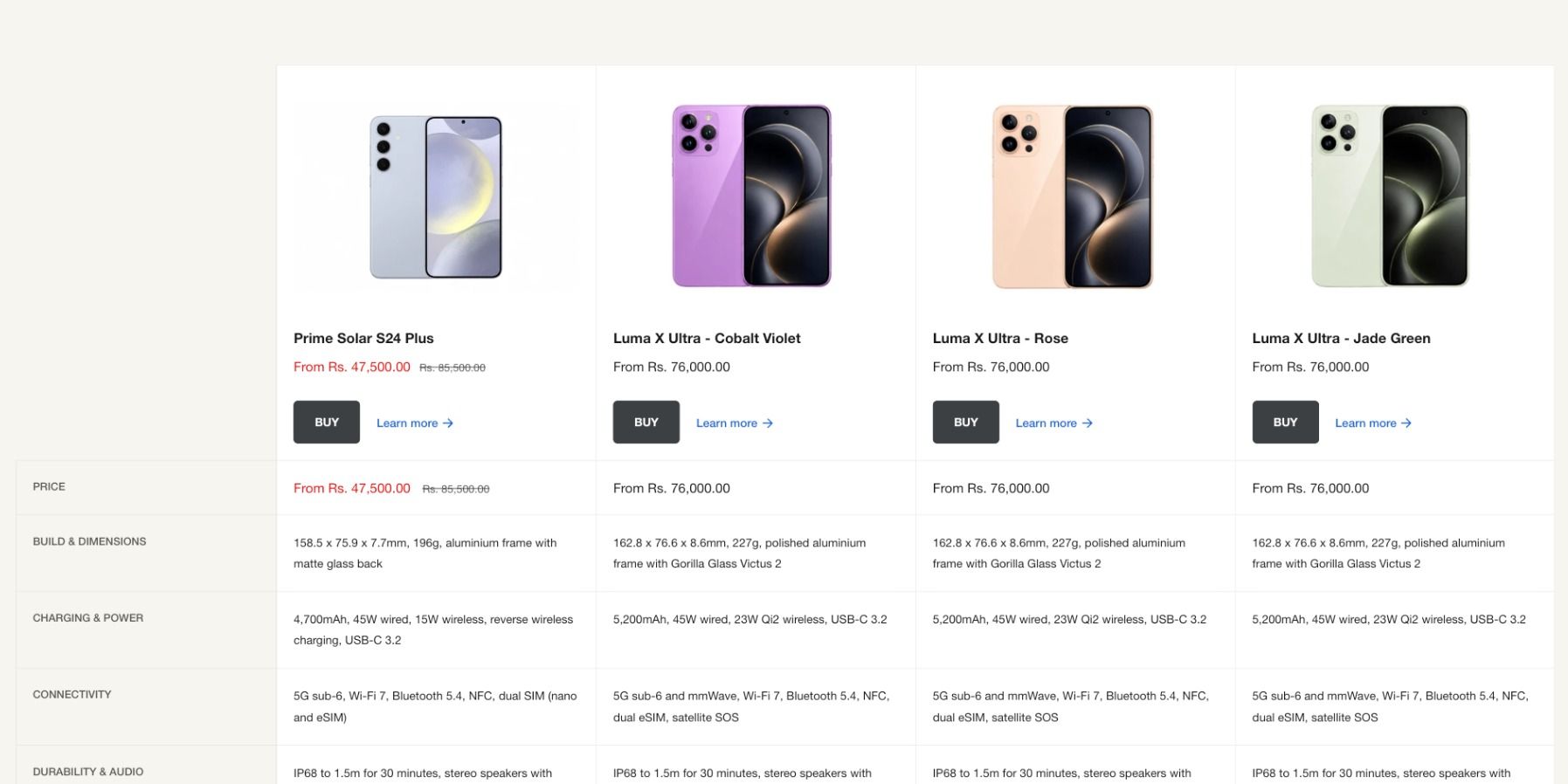
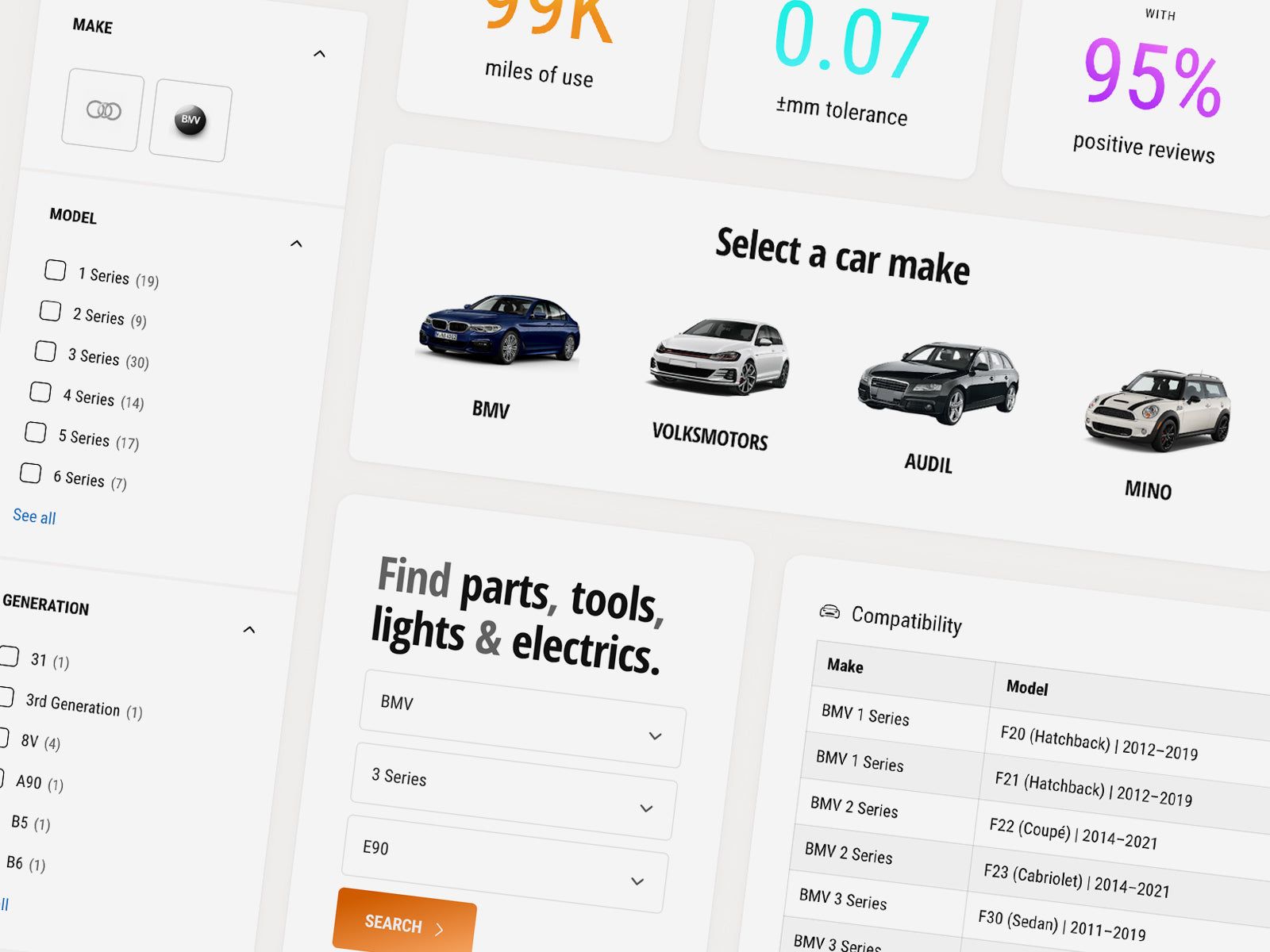
Ignite is our theme. Where Horizon gives you a clean start, Ignite is built for stores with a lot to sell and a lot to explain, and it comes with five presets set up for different trades: tech and electronics, car parts, health and wellness, toys and games, and pet supplies.
- What Horizon leaves out. Countdown timers, an age check, trust badges and breadcrumbs, all built in.
- Built for choosing. Side-by-side product compare, spec tables that change with the variant, and year, make and model search with a saved garage in the Alpha preset.
- Built for AI search. Structured data, FAQ sections and a hidden comparison table that AI assistants can read.
- Support from people. Questions go by email to real people in the UK who know the theme inside out.
It costs $380, paid once, and holds a 100% positive rating from 113 reviews.
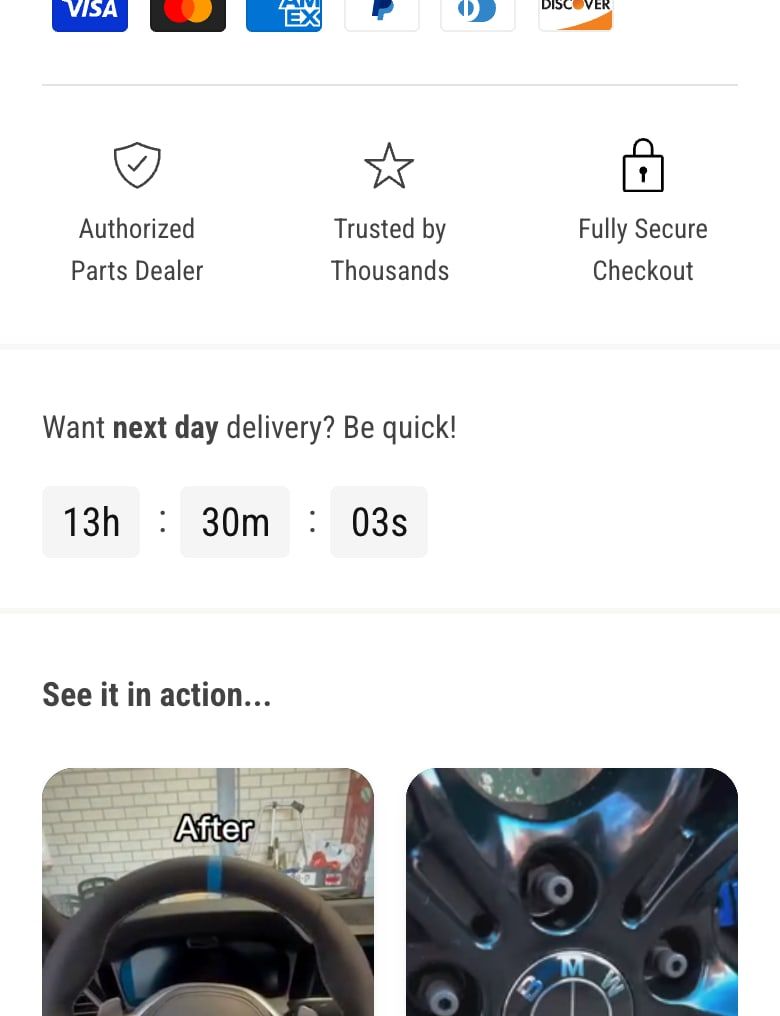
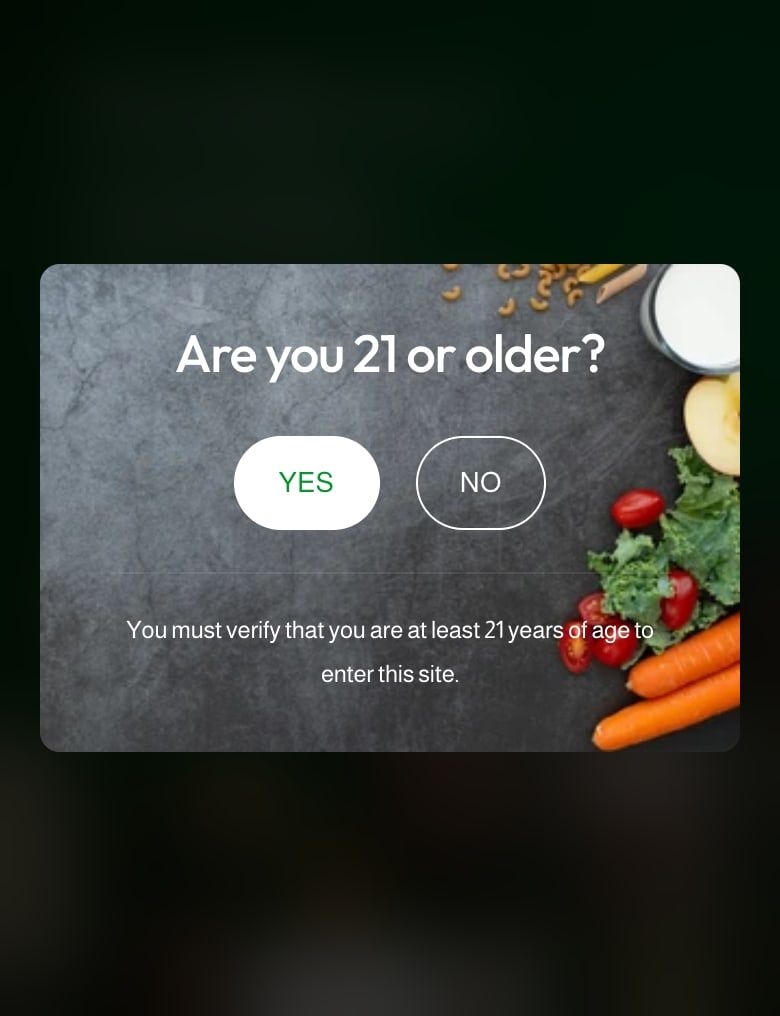
Worth knowing: Horizon is free, and Ignite isn’t. Horizon uses theme blocks in every section, where Ignite uses them in Flexible columns. Ignite doesn’t list a before/after image slider, and it has no preset made for fashion, although it works for fashion stores too.
2. Pipeline
- Best for
- Brands that like building with nested blocks
- Price
- $360, paid once
- Rating
- 97% positive, 209 reviews
- Designer
- Groupthought
Pipeline, by Groupthought, is the closest to Horizon’s way of building. Its listing says it was first to support nested blocks, with five sections built on them among more than 40, and leads with merchandising: countdowns, hotspots, free shipping bars and popups.
It’s designed for luxury brands, costs $360 and has 209 reviews at 97% positive.
Worth checking: back-in-stock alerts, a sticky add to cart and an age check aren’t in its listed features. Horizon lists back-in-stock alerts, so you’d lose one.
3. Hyper
- Best for
- Wholesale and B2B stores
- Price
- $400, paid once
- Rating
- 99% positive, 528 reviews
- Designer
- FoxEcom
Hyper, by FoxEcom, is built for wholesale and B2B. Its listing promises volume pricing, minimum order quantities, bulk ordering and multiple currencies, so trade buyers can reorder quickly.
It costs $400 and has 528 reviews at 99% positive, the most reviews of the five. It comes with five presets.
Worth checking: pre-orders and back-in-stock alerts aren’t in its listed features, and both are in Horizon’s.
4. Release
- Best for
- Bold brands that sell with video
- Price
- $420, paid once
- Rating
- 95% positive, 118 reviews
- Designer
- DigiFist
Release, by DigiFist, is made for bold brands. Its listing leads with quick view, selling points and engaging video, a focus on accessibility, and more than 30 sections.
Its listing covers every row in our table. It has 118 reviews at 95% positive and comes with five presets.
Worth checking: at $420, it’s the most expensive theme here, $40 more than Ignite.
5. Stiletto
- Best for
- Style-led brands with big plans
- Price
- $380, paid once
- Rating
- 92% positive, 156 reviews
- Designer
- Fluorescent Design Inc.
Stiletto, by Fluorescent Design, promises effortless style and flexibility for ambitious brands. Its listing mentions cart upsells, hotspots, sticky buy buttons, free shipping bars and countdowns, and new features shipped for free.
It costs $380, the same as Ignite, and has 156 reviews at 92% positive.
Worth checking: back-in-stock alerts, quick order lists and gift wrapping aren’t in its listed features.
How we chose
We looked at well-reviewed premium themes on the Shopify Theme Store, kept the ones a typical Horizon store would consider, and ranked them on what’s built in, price and reviews. Every one has at least 100 reviews and a rating of 90% or more.
Prices, ratings and review counts change, so check the Theme Store before you buy. Every theme here can be tried on your store for free.
How to upgrade from Horizon without losing anything
Changing theme doesn’t touch your products, customers or orders. It does mean rebuilding the parts of your store that live in the theme, so plan it like a small project.
- List what Horizon does for you. Note your sections and blocks, any apps that add blocks or code to the theme, and any custom code a developer added.
- Try the new theme. Add it from the Theme Store. It installs unpublished, alongside Horizon, so customers don’t see a thing.
- Rebuild in the editor. Recreate your home page, product page and collection pages. Content in metafields carries straight over.
- Check what you can drop. If the new theme has countdowns, an age check or product compare built in, you may be able to remove the apps that did them.
- Preview, then publish. Check every template on desktop and mobile, then publish. You only pay for the theme at this point.
Our launch checklist covers what to check before you publish Ignite. For a closer look at what’s built in, see the Ignite Shopify theme or the best Shopify themes for car parts stores. Still on Dawn? See the best themes to upgrade to from Dawn.
Questions
What is the best Shopify theme to upgrade to from Horizon?
For most stores, Ignite. Its Theme Store listing includes every feature in Horizon’s plus 15 more, such as countdown timers, an age check, trust badges and breadcrumbs, and it adds product compare and year, make and model search. For building with nested blocks, Pipeline. For wholesale and B2B, Hyper. For video-led brands, Release. For style-led brands, Stiletto.
Is Horizon good enough, or should I pay for a theme?
Horizon is a good free theme, and its listing covers the basics well, including pre-orders and back-in-stock alerts. It’s lean on purpose, though. If you’re adding apps for countdowns, an age check or product compare, or you want a theme designer to help when you’re stuck, a paid theme is worth it.
Does Ignite use theme blocks like Horizon?
Yes, where they help most. Ignite’s Flexible columns section is built from nested blocks: columns of any width, each holding its own headings, text, buttons, images, stats, countdowns and more, with rows to place blocks side by side. Ignite’s other sections use blocks set up for the job they do.
Are there paid themes built on Horizon?
Not on the Theme Store. Shopify’s own notes for Horizon say themes based on it aren’t eligible for the Theme Store. So every paid theme is built differently from Horizon, and moving to one means setting up your pages again, whichever you choose.
Should I switch to another Horizon theme instead?
Only if you want a different look. Horizon is one of ten free themes in Shopify’s Horizon collection, including Dwell, Fabric and Tinker, and their listings name much the same features. Switching between them changes the design more than what your store can do.
Will I lose my products if I switch from Horizon?
No. Products, collections, metafields, customers and orders all stay in Shopify. What doesn’t carry over is the theme itself: its settings, its section and block content and any code added to it. You can set up the new theme alongside Horizon and publish it when it’s ready.
This page contains affiliate links to the Shopify Theme Store. If you buy a theme through one, we may earn a commission, whichever theme you choose.