Shopify Canvas or a paid theme? How to choose
Canvas can build a store that looks like nobody else’s, just by chatting with Sidekick. What it gives up is quieter: theme updates, app blocks and the theme editor, which a paid theme keeps.
 6 min read
Quick answer
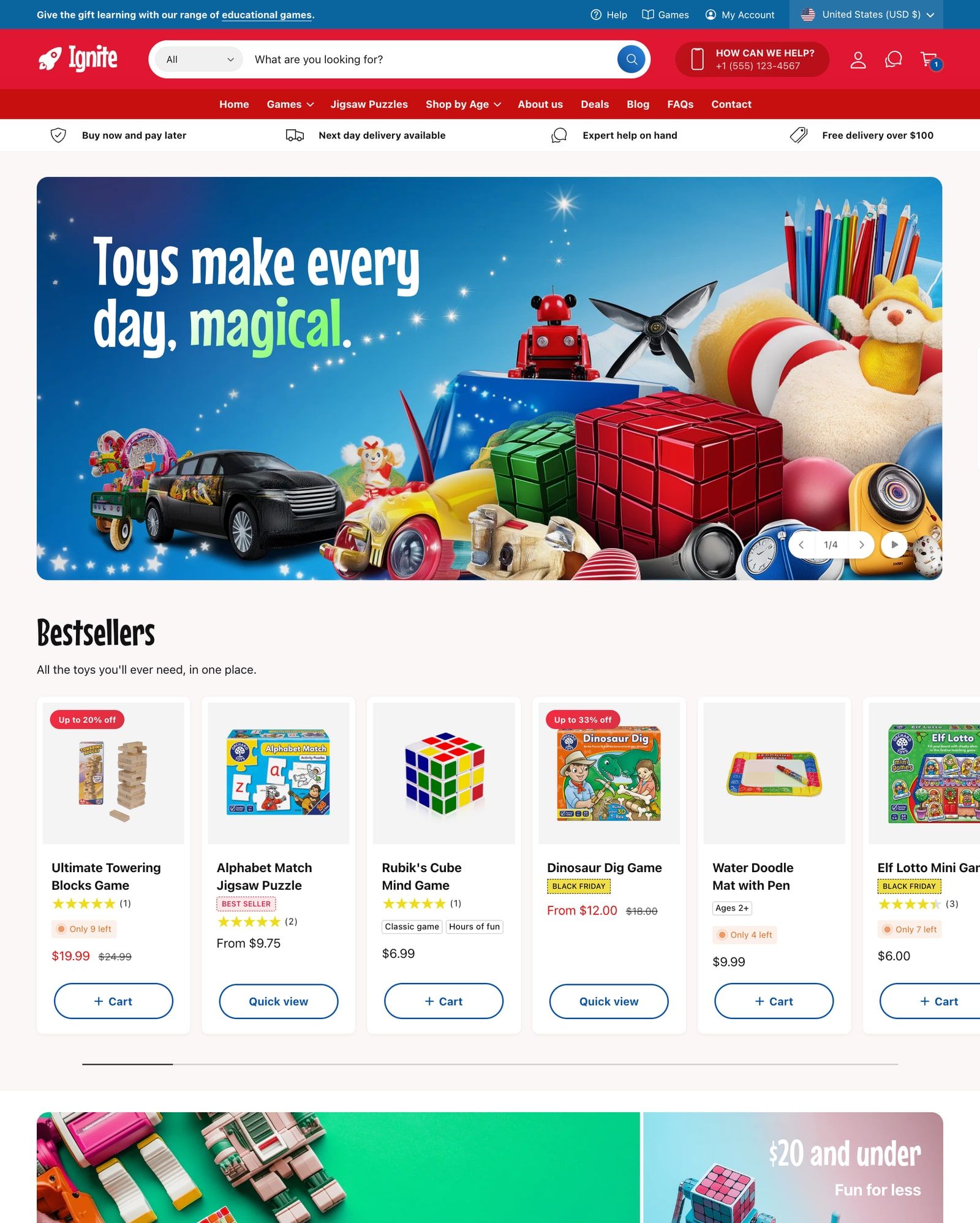
Canvas builds a Shopify store that looks like nobody else’s, from a chat with Sidekick, and Shopify hasn’t announced a separate charge for it. The catch is what a Canvas theme gives up: it never gets theme updates, it opens only in Canvas, and you can’t add app blocks or set content for each market there. A paid theme costs a one-time fee, $170 to $420 among the themes we’ve compared, and keeps getting updates and support from its designer. Canvas suits a simple, single-market store you’re happy to look after through Sidekick. A paid theme suits stores that rely on apps, sell in several markets, or want new features without asking for them. For now you can’t mix the two, because Canvas doesn’t work with third-party themes yet.
Disclosure: we make Ignite, a paid theme, and Canvas can’t open it yet. So we have a stake in this, and we’ve tried to be fair to both sides. Everything we say about Canvas comes from Shopify’s own help pages, changelog and announcement, checked on November 16, 2026. Canvas is new and changing quickly, so some of this will date.
What Canvas is
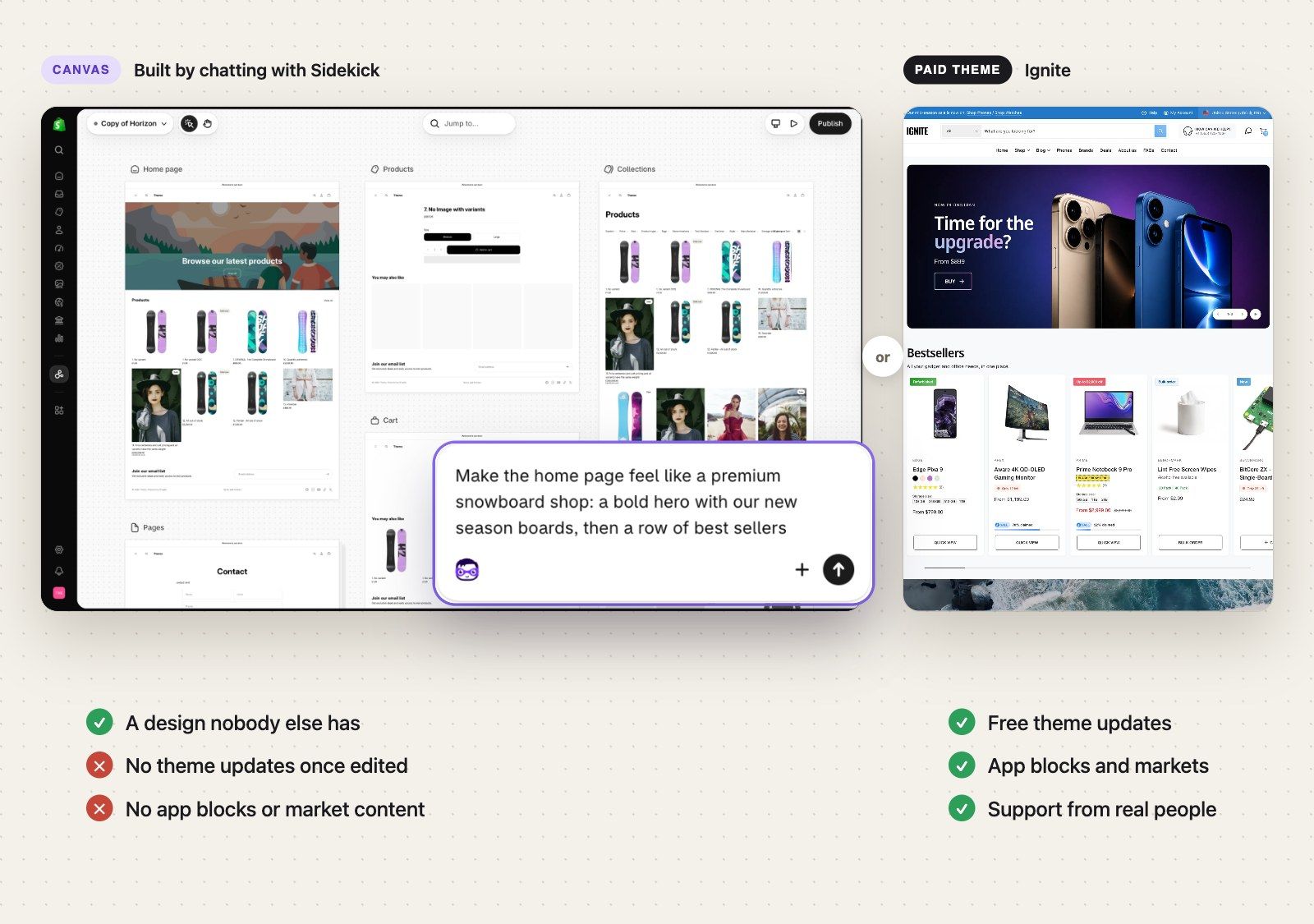
Shopify launched Canvas on October 1, 2026. It’s a new place to design your online store. Instead of a sidebar of sections and settings, every page sits side by side in one big workspace, and you describe what you want to Sidekick, Shopify’s AI assistant. Sidekick asks questions, proposes an approach and changes the theme’s code, and you watch the real store update as it works. You can still click on anything to change it by hand.
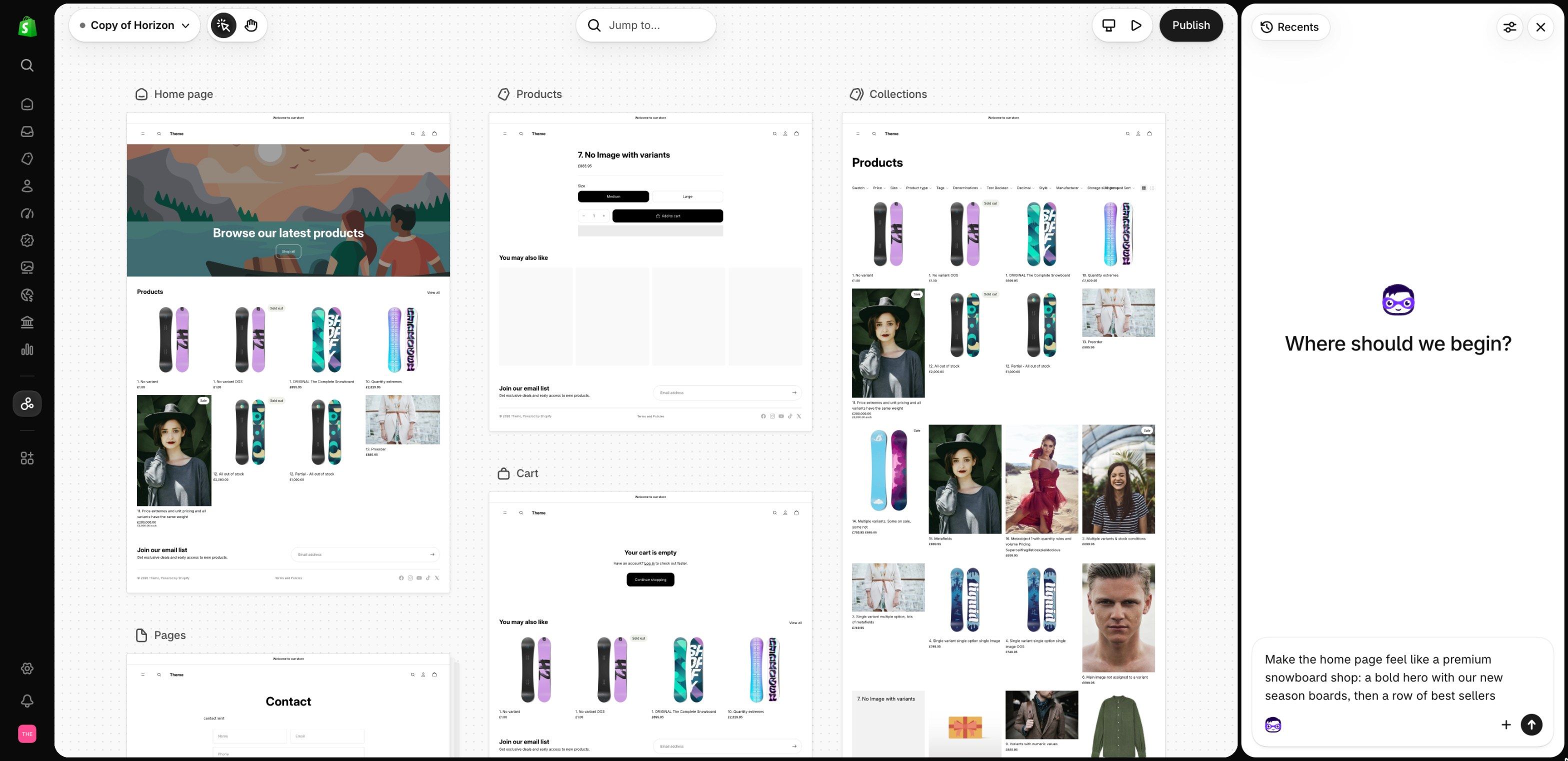
There are two ways in, both from Online Store > Themes. Click New and describe your brand, and Sidekick builds a new theme from scratch. Or open a theme’s … menu and choose Duplicate in Canvas to try changes on a copy, while the original stays as it was. Inside Canvas, the theme’s name opens Version history and Theme settings, and Jump to… finds any page.
It’s in early access, it only works on a desktop, and Shopify is clear it isn’t replacing the theme editor yet.
The trade you’re really making
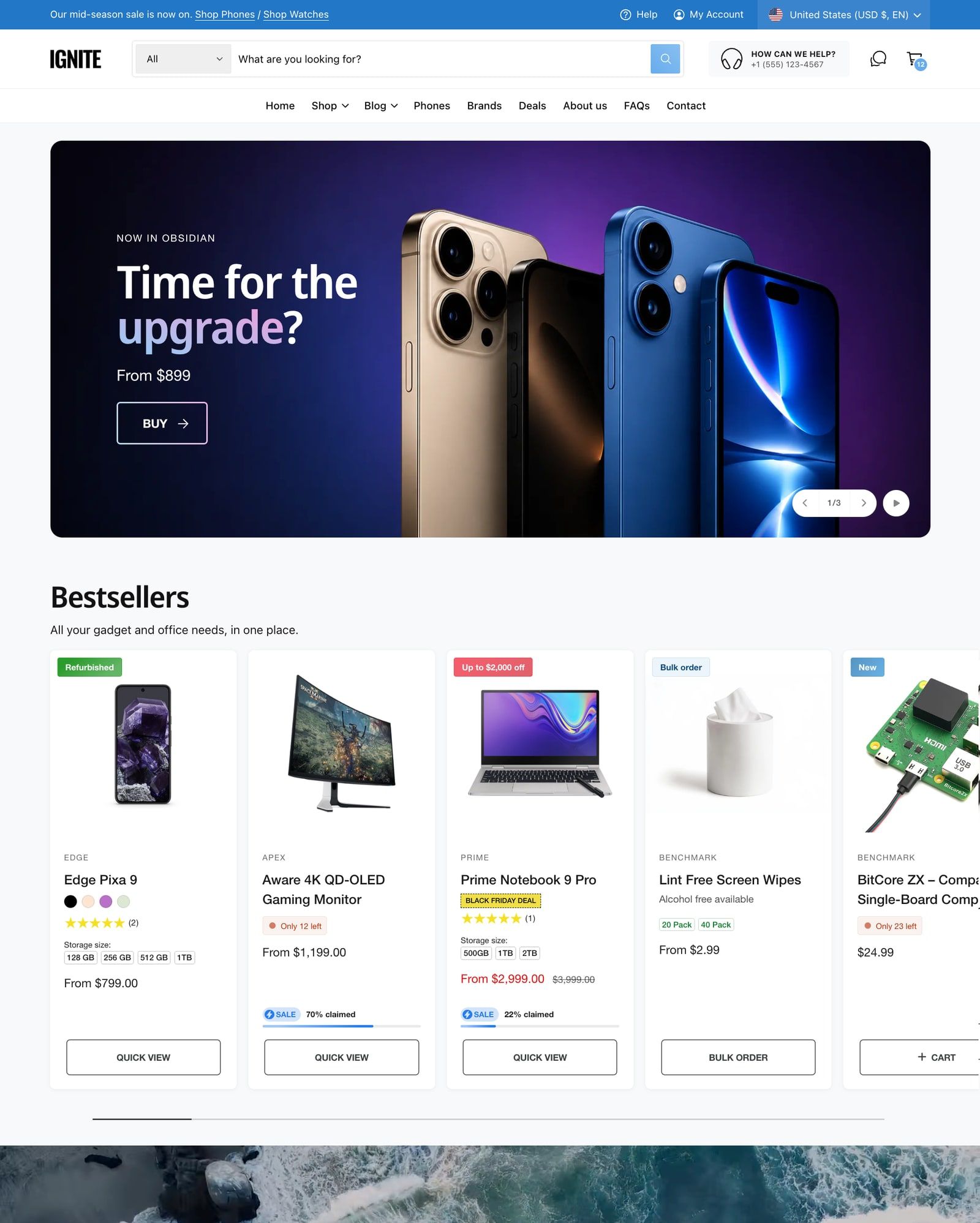
The usual comparison is price against design, and on those Canvas does well. There’s no theme to buy, and the result is built for your brand rather than shared with every other store on the same theme.
The bigger difference is what happens after launch day. Shopify’s Canvas requirements are plain about it: a theme you edit in Canvas “doesn’t receive theme updates.” It opens only in Canvas, never again in the theme editor, and you can’t download its files.
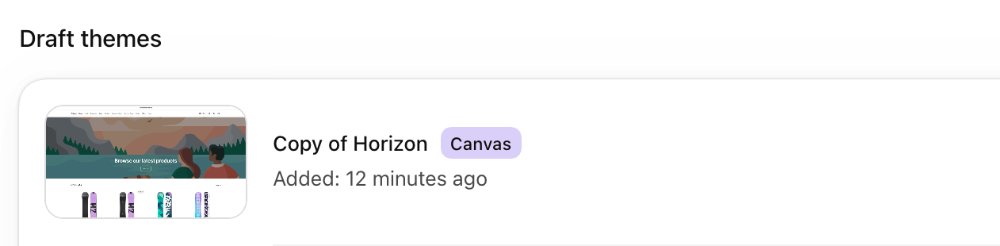
A paid theme is a product someone keeps working on. When Shopify adds features or changes its rules for themes, the designer updates the theme, and you add the new version in a few clicks. Our own updates bring speed and accessibility fixes as well as new features, and they’re free with the license. A Canvas theme is a one-off build. When something on the platform changes, keeping up is down to you and Sidekick.
Neither is wrong. It’s the same choice as hiring a developer for a custom theme or buying one off the shelf, made much faster and cheaper by AI. What matters is which kind of upkeep you’d rather have.
Canvas and a paid theme, side by side
| Canvas theme | Paid theme | |
|---|---|---|
| Cost | No separate charge announced. Needs a plan that includes theme customization. | Paid once. $170 to $420 among the themes we’ve compared, with a free trial first. |
| Who builds it | You and Sidekick, in a chat | A theme designer. You set it up in the theme editor. |
| Theme updates | None, once the theme is edited in Canvas | Free, for as long as the designer releases them |
| Where you edit | Canvas only, on a desktop | The theme editor and the code editor |
| App blocks and app embeds | Can’t be added or changed | Added and set up in the theme editor |
| Content for each market | Not in Canvas | In the theme editor |
| Download the theme files | No | Yes |
| Help when you’re stuck | Sidekick and Shopify Support | The theme designer’s support, plus Shopify Support |
| Who can use it | Early access, for some stores | Any store |
Translations aren’t in the table, because both routes use Shopify’s Translate & Adapt app. You just can’t translate theme content inside Canvas itself.
Stores that suit Canvas
Canvas makes the most sense for a new store with a clear brand and a simple setup. One market, one language, a catalog that doesn’t need much explaining, and no apps that have to sit inside your pages.
It also suits merchants who wanted a custom theme but couldn’t justify a developer. Shopify’s announcement is built around that idea: a bespoke store for anyone, whatever their design experience, coding skills or budget. If you know what your store should look like and can describe it, Sidekick can get you most of the way there.
And it’s a good sketchpad. Duplicate a Shopify theme into Canvas and try a new home page or product page without touching your live store. If you don’t like it, delete the copy.
Stores that suit a paid theme
Look at the apps you use first. Reviews, subscriptions, loyalty points, size charts and bundles usually show up on your pages through app blocks and app embeds, and Canvas can’t add or set those up. A duplicated theme keeps the app blocks it already had, but you can’t move them, change them or remove them in Canvas. If an app is part of how you sell, that alone decides it for now.
Next, where you sell. If you show different content to different countries, Canvas can’t customize a theme for each market. Shopify’s theme editor can.
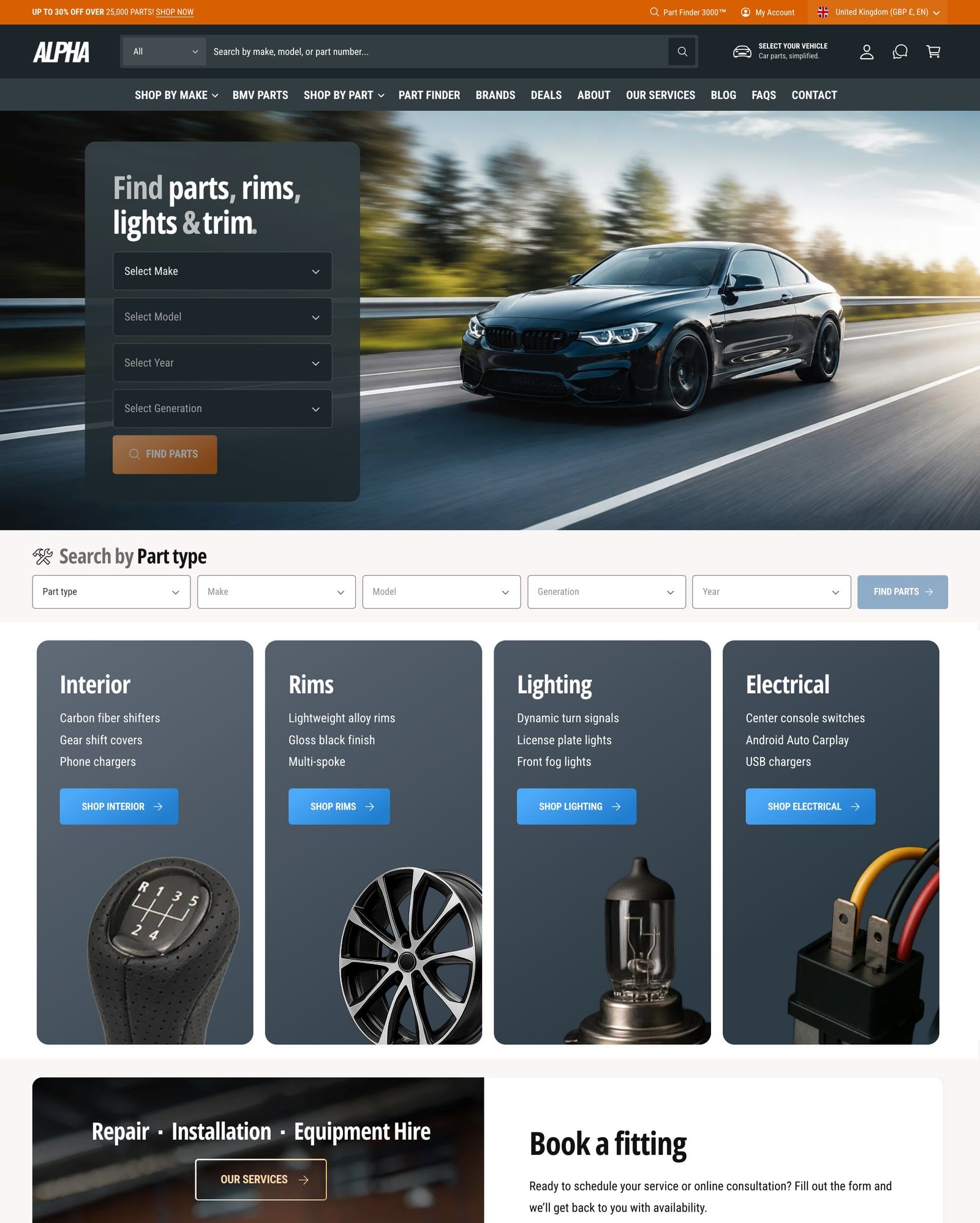
Then, how much your store has to explain. Stores that sell on specs, fitment or ingredients lean on features such as product compare, year, make and model search or detailed product tables. Sidekick can build features on request, and Shopify says it can build custom sections, but you then own that code. In a paid theme, someone has already built, tested and documented them, and fixes them when Shopify changes underneath. Our guides to product comparison and product structured data show how much there is to get right.
And who you’d ask for help. With a paid theme, there’s a designer who knows the code. At Benchmark Themes, that’s people answering support emails, not a bot. With Canvas, it’s Sidekick and Shopify Support.
What changes when Canvas supports paid themes
At launch, Shopify’s changelog says Canvas “doesn’t support third-party themes from the Shopify Theme Store.” That’s why you can’t try it on Ignite or any other paid theme yet. Shopify told TechCrunch that third-party themes, app blocks, markets, translations, rollouts and theme updates are all things it plans to support over time. It hasn’t given dates.
When that support arrives, the choice gets less either-or. You could buy a paid theme for its features, then ask Sidekick to make the design your own. Before you do, check the update rule. Today, editing any theme in Canvas means it stops getting theme updates, and Shopify hasn’t said whether that will change for third-party themes. A paid theme you can’t update is a much weaker deal.
We’ll update this post when Shopify changes either rule.
Before you choose
A few questions settle it for most stores:
- Do any of your apps add blocks to your pages? If yes, a paid theme, until Canvas supports app blocks.
- Do you sell in more than one market with different content? If yes, a paid theme.
- Who will keep the theme working when Shopify changes something? If the answer is “Sidekick and me,” Canvas is fine. If it’s “the theme designer,” buy a theme.
- Is Canvas in your admin yet? It’s in early access, so check Online Store > Themes for it.
Try both if you can. You can try Canvas on a copy without touching your live store, and most paid themes, including Ignite, have a free trial. If you’re starting from one of Shopify’s free themes, our comparisons of themes to upgrade to from Dawn and Horizon cover what each paid option adds. For what a theme update involves, see updating your theme.
Questions
Is Shopify Canvas free?
Shopify hasn’t announced a separate charge for Canvas. It’s available on Shopify plans that include theme customization, and it’s in early access, so only some stores have it so far.
Does Canvas work with paid Shopify themes?
Not yet. Shopify’s help center says Canvas works only with themes developed by Shopify and with custom themes, and that third-party themes from the Theme Store aren’t supported. Shopify told TechCrunch it plans to support them over time, without giving a date.
Do Canvas themes get theme updates?
No. Shopify’s help center says a theme you edit in Canvas doesn’t receive theme updates. New features and fixes from the theme’s designer won’t reach it, so you or Sidekick keep it up to date.
Can I go back to the theme editor after using Canvas?
Not with the same theme. A theme you create or edit in Canvas opens only in Canvas. If you duplicated a theme into Canvas, the original stays in your theme library and still opens in the theme editor, and changes made in Canvas don’t carry back to it.
Can I use apps with a Canvas theme?
Apps that don’t add anything to your theme work as normal. App blocks and app embeds are the problem: you can’t add or set them up in Canvas. A theme duplicated into Canvas keeps the app blocks it already had, but you can’t change or remove them there.
Is Canvas replacing the theme editor?
Not yet. Shopify says Canvas is optional and isn’t replacing the existing editor yet, and that there are gaps it still needs to close.
This page contains affiliate links to the Shopify Theme Store. If you buy a theme through one, we may earn a commission, whichever theme you choose.