The 5 best Shopify themes to upgrade to from Dawn
Dawn is a fine place to start. When you find yourself adding apps for things a theme could do, it’s time to look at what comes next. Here are five themes worth moving to.
Quick answer
The best theme to upgrade to from Dawn, for most stores, is Ignite. It’s built on Dawn’s foundations, so it feels familiar, and its Theme Store listing has every feature in Dawn’s plus 30 more, from pre-orders and back-in-stock alerts to countdown timers. It costs $380, paid once. Also worth a look: Sleek for beauty brands, Concept for mobile-first stores, Broadcast for stores that live on promotions and Focal if budget comes first.
Disclosure: we make Ignite, so of course it’s first. Everything we say about Dawn and the other four comes from their own Theme Store listings, and for Dawn, from its code too. Dawn is a good theme, and plenty of stores never need to leave it. This is for the ones that have started to.
Dawn at a glance
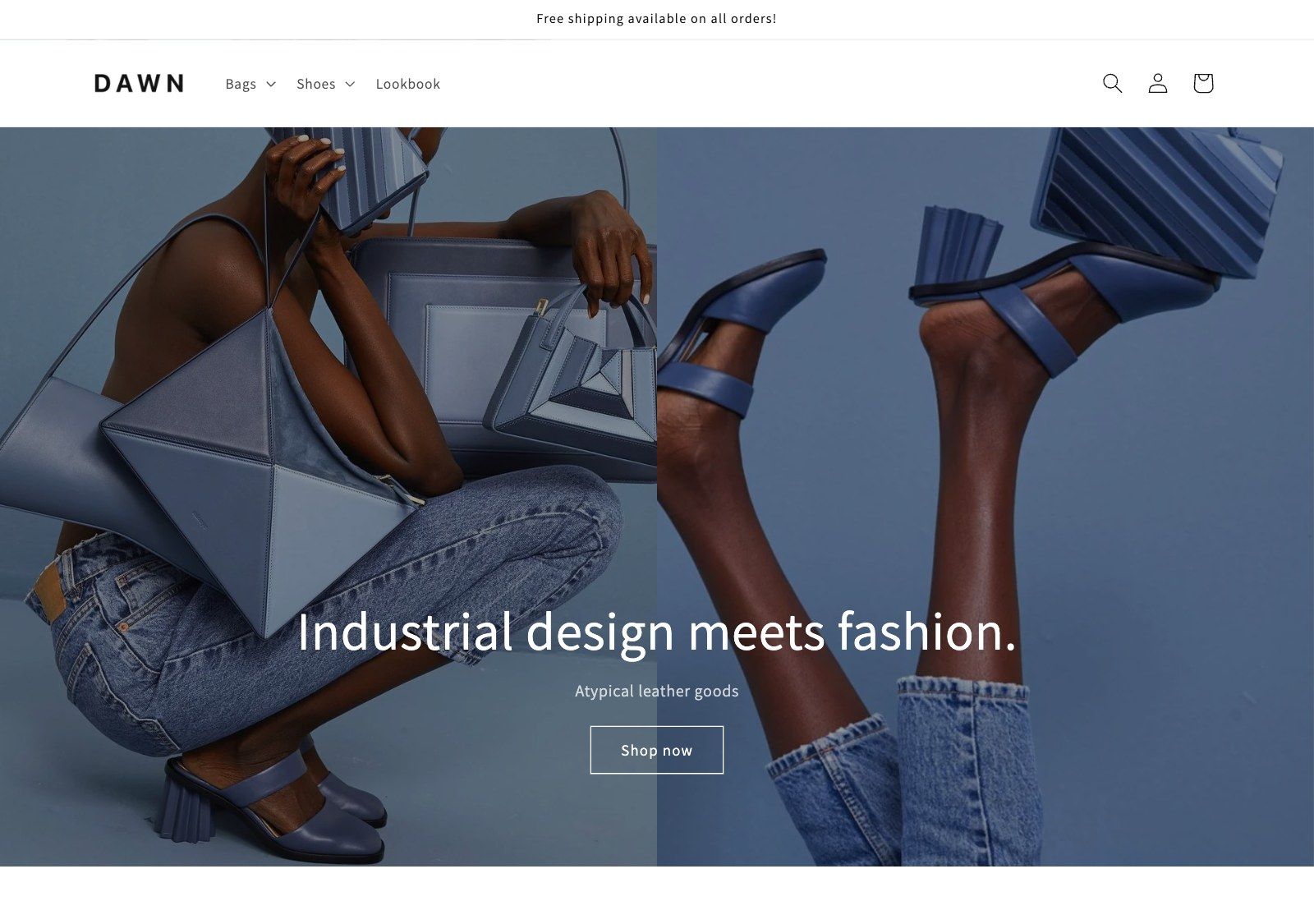
Dawn is Shopify’s own free theme. Its listing describes a minimalist theme that lets product images take center stage, with large imagery, crisp lines and simple fonts. Shopify also uses it as a reference for how themes should be built, and other theme designers, us included, build on its code.
It’s lean on purpose. Shopify’s own notes for Dawn say functionality defaults to “no”, and that themes “shouldn’t support each and every feature in Shopify.” That keeps it fast and simple. It also means that, as a store grows, the things Dawn leaves out tend to arrive as apps.
So when is it time to upgrade? Usually when one of these starts to bite:
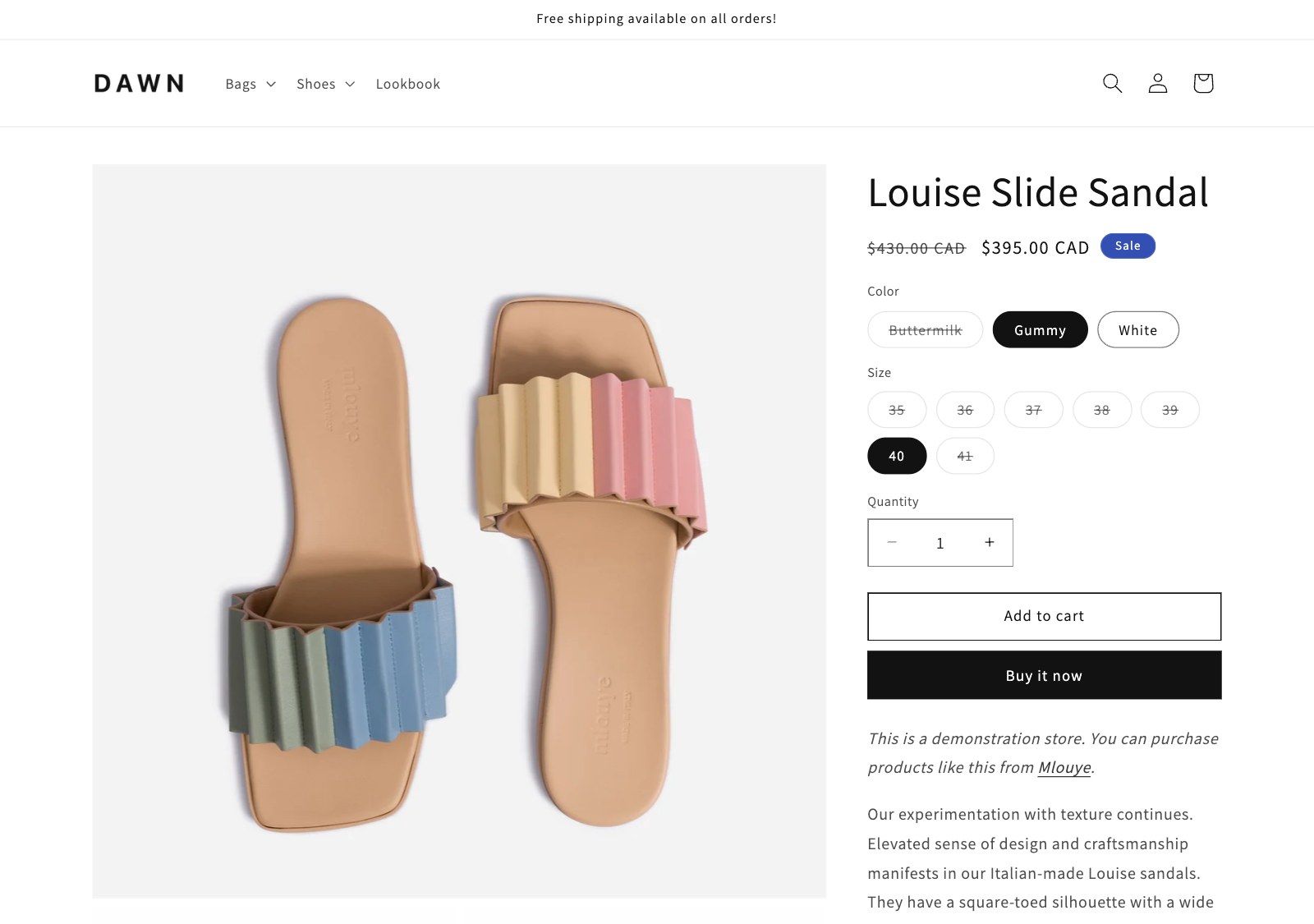
- Apps. Pre-orders, back-in-stock alerts, countdown timers and a sticky add to cart aren’t in Dawn’s listing or its code. Each one you add as an app is often another monthly bill, and more code on your pages.
- Fit. Dawn is built to show off products with big photos. A store that sells on specs, fitment or ingredients needs more room to explain.
- Support. Dawn’s support link goes to Shopify Support. There’s no theme designer to email when you want to know how a section works.
What you gain, side by side
| Feature | Dawn | Ignite | Sleek | Concept | Broadcast | Focal |
|---|---|---|---|---|---|---|
| Pre-order | Not listed | Listed | Not listed | Listed | Listed | Not listed |
| Back-in-stock alert | Not listed | Listed | Not listed | Listed | Listed | Not listed |
| Sticky cart | Not listed | Listed | Listed | Listed | Listed | Listed |
| Countdown timer | Not listed | Listed | Listed | Listed | Listed | Not listed |
| Recently viewed | Not listed | Listed | Listed | Listed | Listed | Listed |
| Trust badges | Not listed | Listed | Not listed | Listed | Listed | Listed |
| Age verifier | Not listed | Listed | Not listed | Listed | Not listed | Not listed |
| Breadcrumbs | Not listed | Listed | Listed | Listed | Listed | Not listed |
| Before/after image slider | Not listed | Not listed | Listed | Listed | Listed | Not listed |
Dawn’s listing names 27 features. Ignite’s names 57, including all 27 of Dawn’s, so nothing you rely on goes missing. And feature lists don’t tell the whole story. Ignite also has side-by-side product compare and year, make and model search, which aren’t categories on the Theme Store at all.
The five themes at a glance
| # | Theme | Best for | Price | Rating |
|---|---|---|---|---|
| 1 | Igniteby Benchmark Themes | Growing stores that want more built in | $380 | 100% (113 reviews) |
| 2 | Sleekby FoxEcom | Beauty and direct-to-consumer brands | $350 | 100% (627 reviews) |
| 3 | Conceptby RoarTheme | Stores where most sales happen on a phone | $400 | 99% (675 reviews) |
| 4 | Broadcastby Presidio | Stores that run a lot of promotions | $420 | 94% (285 reviews) |
| 5 | Focalby Maestrooo | Image-led stores on a tighter budget | $320 | 93% (335 reviews) |
1. Ignite
- Best for
- Growing stores that want more built in
- Price
- $380, paid once
- Rating
- 100% positive, 113 reviews
- Designer
- Benchmark Themes
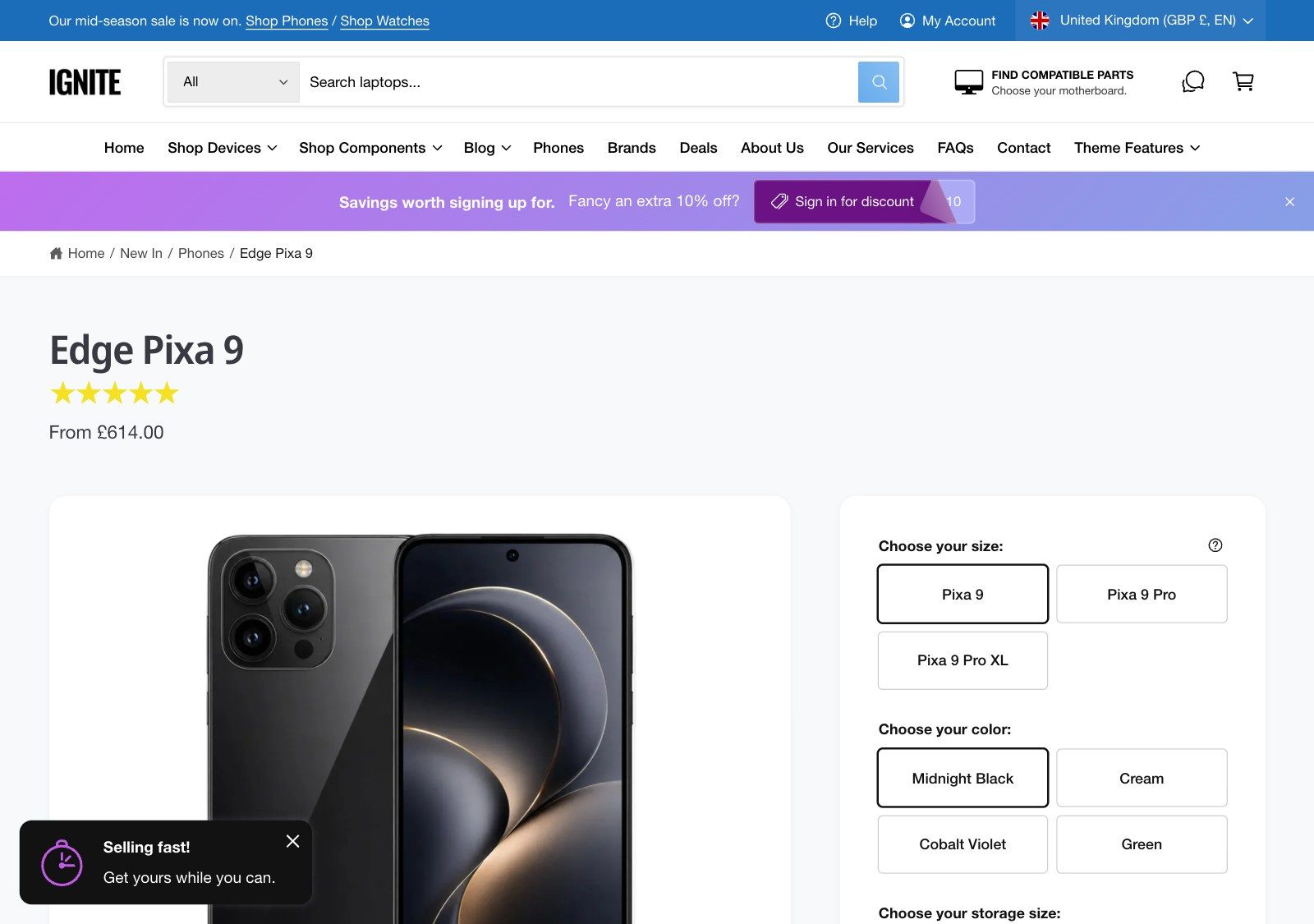
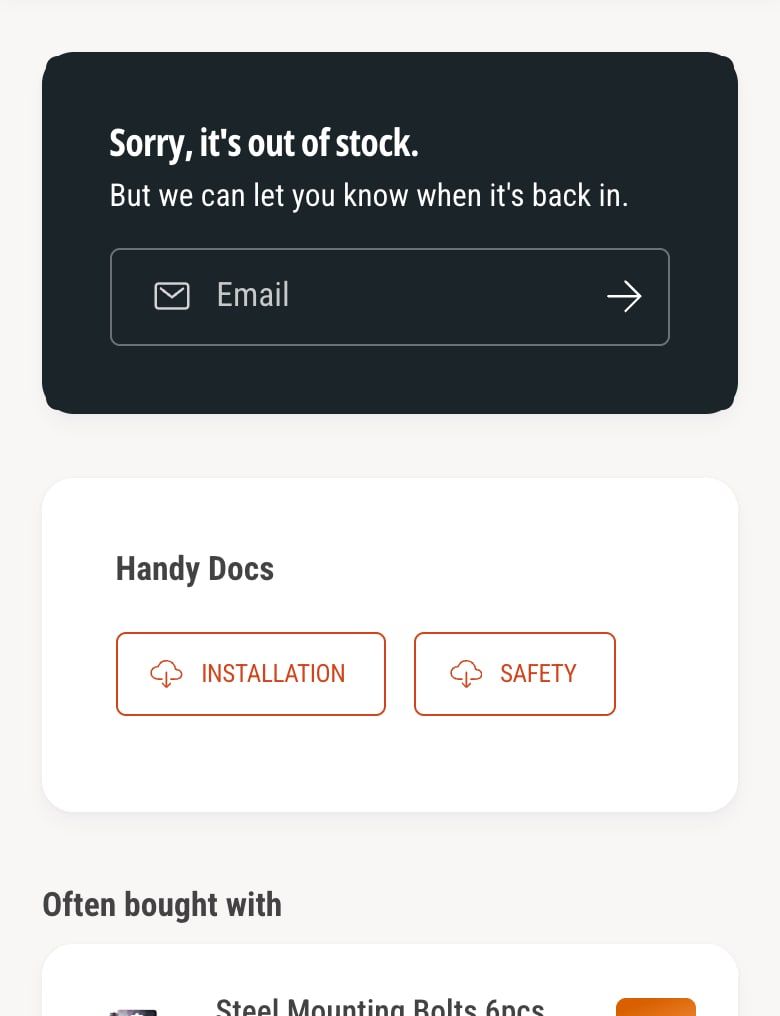
Ignite is our theme, and it started life as Dawn’s code. The sections you know from Dawn, such as Image banner, Slideshow, Multicolumn, Rich text and Image with text, are there under the same names. Then there’s everything we added, and five presets set up for different trades: tech and electronics, car parts, health and wellness, toys and games, and pet supplies.
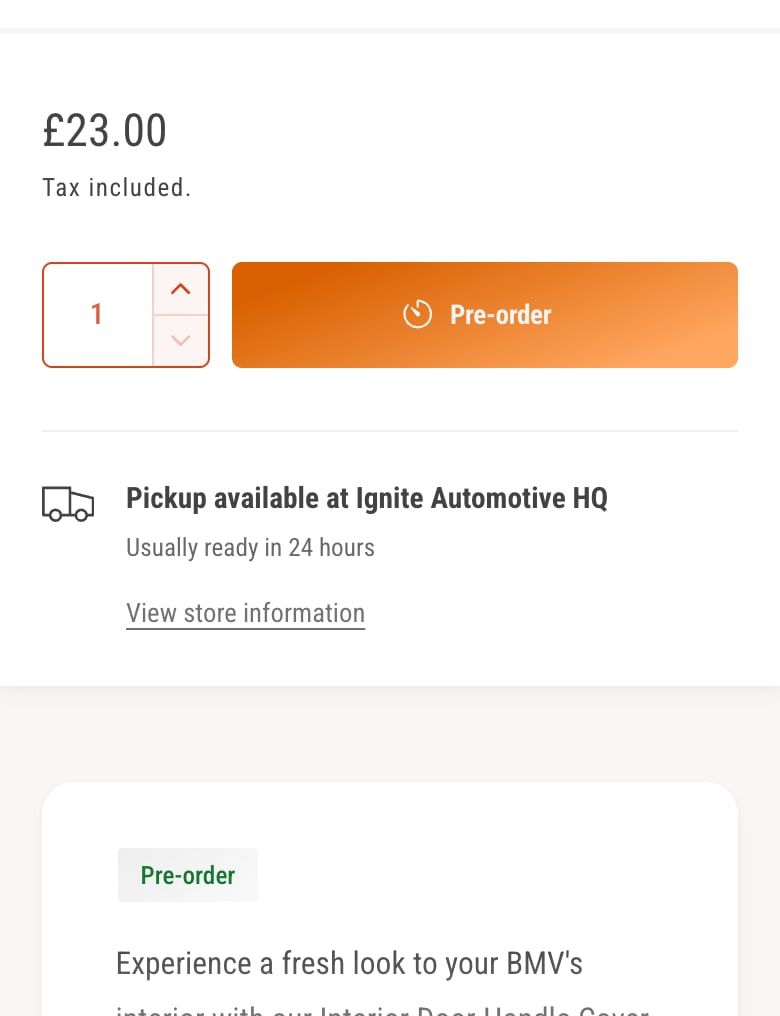
- The apps you’d otherwise add. Pre-orders, back-in-stock alerts, countdown timers, a sticky add to cart, trust badges, recently viewed and an age check, all built in.
- Built for choosing. Side-by-side product compare, spec tables that change with the variant, and year, make and model search with a saved garage in the Alpha preset.
- Built for AI search. Structured data, FAQ sections and a hidden comparison table that AI assistants can read.
- Built to grow into. Flexible columns lets you build your own layouts from nested blocks, with no code.
It costs $380, paid once, and holds a 100% positive rating from 113 reviews. Support is by email from real people in the UK.
Worth knowing: Dawn is free, and Ignite isn’t. Ignite doesn’t list a before/after image slider, and it has no preset made for fashion, although it works for fashion stores too.
2. Sleek
- Best for
- Beauty and direct-to-consumer brands
- Price
- $350, paid once
- Rating
- 100% positive, 627 reviews
- Designer
- FoxEcom
Sleek, by FoxEcom, is built for beauty and direct-to-consumer brands. Its listing promises quizzes, comparisons and shoppable video, with routine bundles, ingredient tabs, shade swatches and step-by-step skincare guides.
It costs $350, has 627 reviews at 100% positive, and comes with five presets.
Worth checking: pre-orders, back-in-stock alerts and trust badges aren’t in its listed features, and its presets are tuned for beauty.
3. Concept
- Best for
- Stores where most sales happen on a phone
- Price
- $400, paid once
- Rating
- 99% positive, 675 reviews
- Designer
- RoarTheme
Concept, by RoarTheme, is built around mobile shopping. Its listing describes carousel swipes and popups that feel like a native app, and highly customizable built-in sections.
Its listing covers every row in our table, before/after slider included. It costs $400 and has 675 reviews at 99% positive.
Worth checking: it comes with two presets, fewer than the others here, so try both with your own products before you buy.
4. Broadcast
- Best for
- Stores that run a lot of promotions
- Price
- $420, paid once
- Rating
- 94% positive, 285 reviews
- Designer
- Presidio
Broadcast, by Presidio, calls itself the most feature-rich theme, and its listing leads with selling: one-click add to cart, product upsells and promotions, across 30+ customizable sections.
It lists pre-orders, back-in-stock alerts and countdown timers. It costs $420, the most of the five, and has 285 reviews at 94% positive.
Worth checking: quick order lists, quantity pricing and an age check aren’t in its listed features.
5. Focal
- Best for
- Image-led stores on a tighter budget
- Price
- $320, paid once
- Rating
- 93% positive, 335 reviews
- Designer
- Maestrooo
Focal, by Maestrooo, is the least expensive theme here at $320. Its listing describes a striking layout made for standout tech imagery, more than 20 built-in sections and cross-selling on product and cart pages, with a sticky add to cart.
It has 335 reviews at 93% positive and comes with four presets.
Worth checking: pre-orders, back-in-stock alerts, countdown timers and breadcrumbs aren’t in its listed features. It has the fewest ticks in our table.
How we chose
We looked at well-reviewed premium themes on the Shopify Theme Store, kept the ones a typical Dawn store would consider, and ranked them on what’s built in, price and reviews. Every one has at least 100 reviews and a rating of 90% or more.
Prices, ratings and review counts change, so check the Theme Store before you buy. Every theme here can be tried on your store for free.
How to upgrade from Dawn without losing anything
Changing theme doesn’t touch your products, customers or orders. It does mean rebuilding the parts of your store that live in the theme, so plan it like a small project.
- List what Dawn does for you. Note your sections, any apps that add blocks or code to the theme, and any custom code a developer added.
- Try the new theme. Add it from the Theme Store. It installs unpublished, alongside Dawn, so customers don’t see a thing.
- Rebuild in the editor. Recreate your home page, product page and collection pages. Content in metafields carries straight over. In Ignite, most of Dawn’s sections are there under the same names.
- Check what you can drop. If the new theme has pre-orders, back-in-stock alerts or countdowns built in, you may be able to remove the apps that did them.
- Preview, then publish. Check every template on desktop and mobile, then publish. You only pay for the theme at this point.
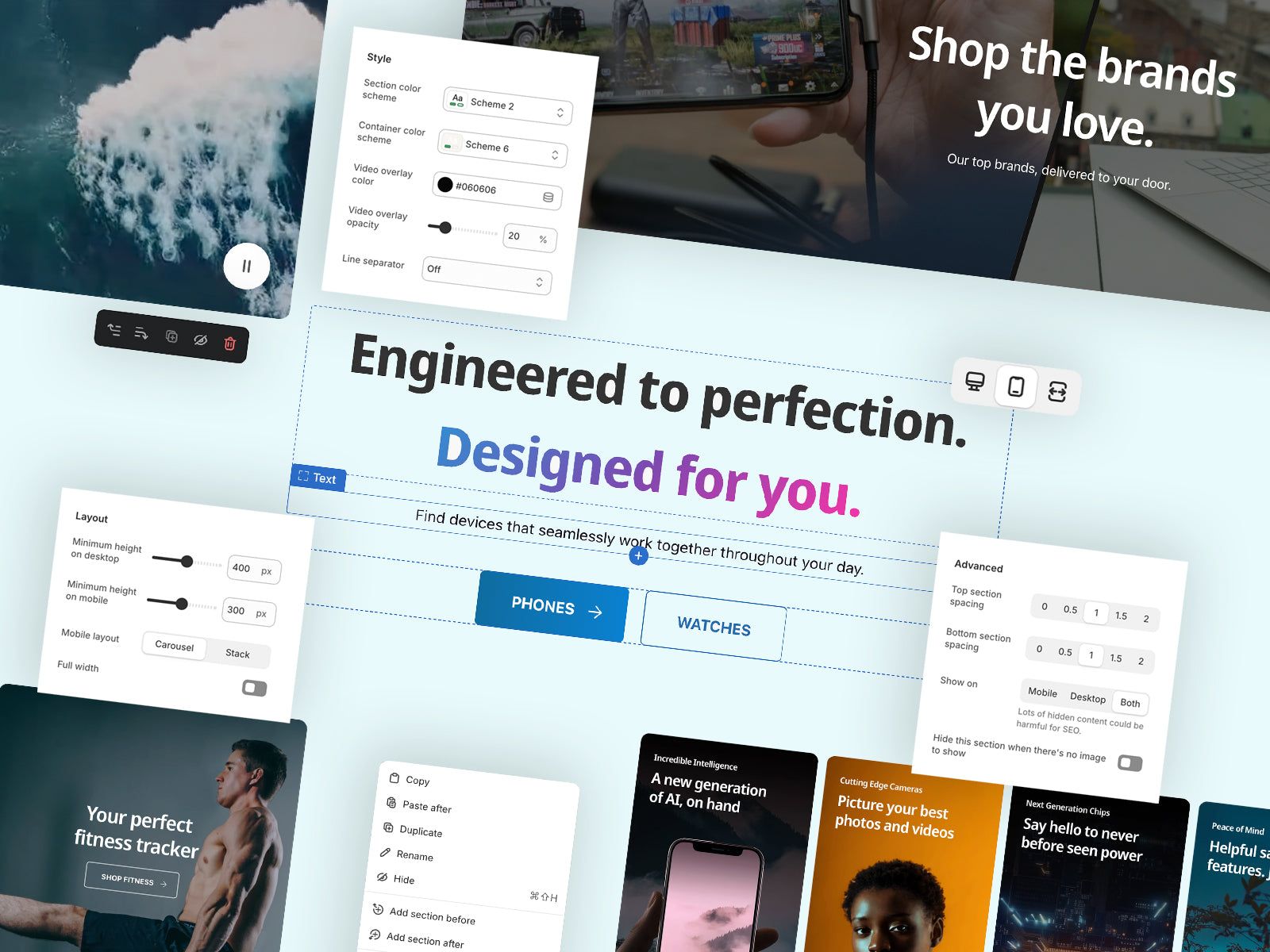
Our launch checklist covers what to check before you publish Ignite. For a closer look at what’s built in, see the Ignite Shopify theme or the best Shopify themes for electronics stores. On Horizon rather than Dawn? See the best themes to upgrade to from Horizon.
Questions
What is the best Shopify theme to upgrade to from Dawn?
For most stores, Ignite. It’s built on Dawn’s foundations, so the sections you know are there under the same names, and its Theme Store listing includes every feature in Dawn’s plus 30 more, such as pre-orders, back-in-stock alerts and countdown timers. For beauty brands, Sleek. For mobile-first stores, Concept. For stores that run a lot of promotions, Broadcast. On a tighter budget, Focal.
Is it worth upgrading from Dawn to a paid theme?
It is when you’re paying for apps to do what a theme could. Dawn’s listing doesn’t include pre-orders, back-in-stock alerts, countdown timers or a sticky add to cart. A paid theme with those built in is a one-time payment, while apps are often monthly.
Is Ignite based on Dawn?
Yes. Ignite started from Dawn’s code, Shopify’s own reference theme, and we’ve built on it since. Sections such as Image banner, Slideshow, Multicolumn, Rich text and Image with text are in Ignite under the same names, with more settings.
Should I upgrade from Dawn to Horizon instead?
Horizon is Shopify’s newer free theme, and its listing adds pre-orders, back-in-stock alerts and recently viewed to what Dawn offers, so it’s a step up at no cost. It doesn’t list countdown timers, an age check, trust badges or breadcrumbs, and support still comes from Shopify rather than a theme designer.
Will I lose my products if I switch from Dawn?
No. Products, collections, metafields, customers and orders all stay in Shopify. What doesn’t carry over is the theme itself: its settings, its section content and any code added to it. You can set up the new theme alongside Dawn and publish it when it’s ready.
How much does it cost to upgrade from Dawn?
The themes here cost from $320 to $420, paid once, checked on the Shopify Theme Store on November 14, 2026. Ignite costs $380. Every one can be tried on your store for free, and you only pay when you publish it.
This page contains affiliate links to the Shopify Theme Store. If you buy a theme through one, we may earn a commission, whichever theme you choose.